Everything Scripto does.
Scripto is a single-purpose tool taken seriously: turn Markdown into documents that look professionally typeset. Here is the complete feature set — every feature included, free.
A real pagination engine
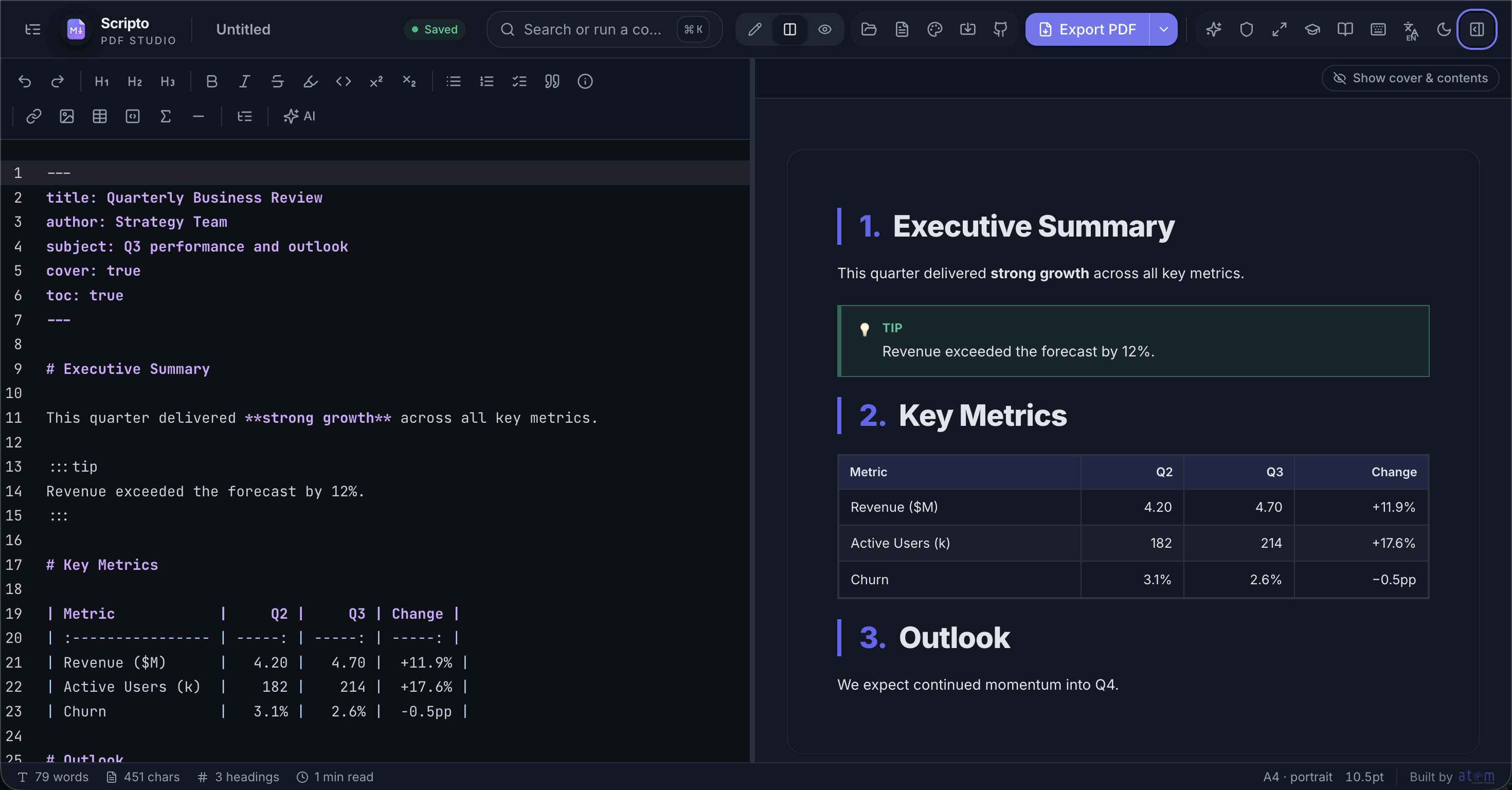
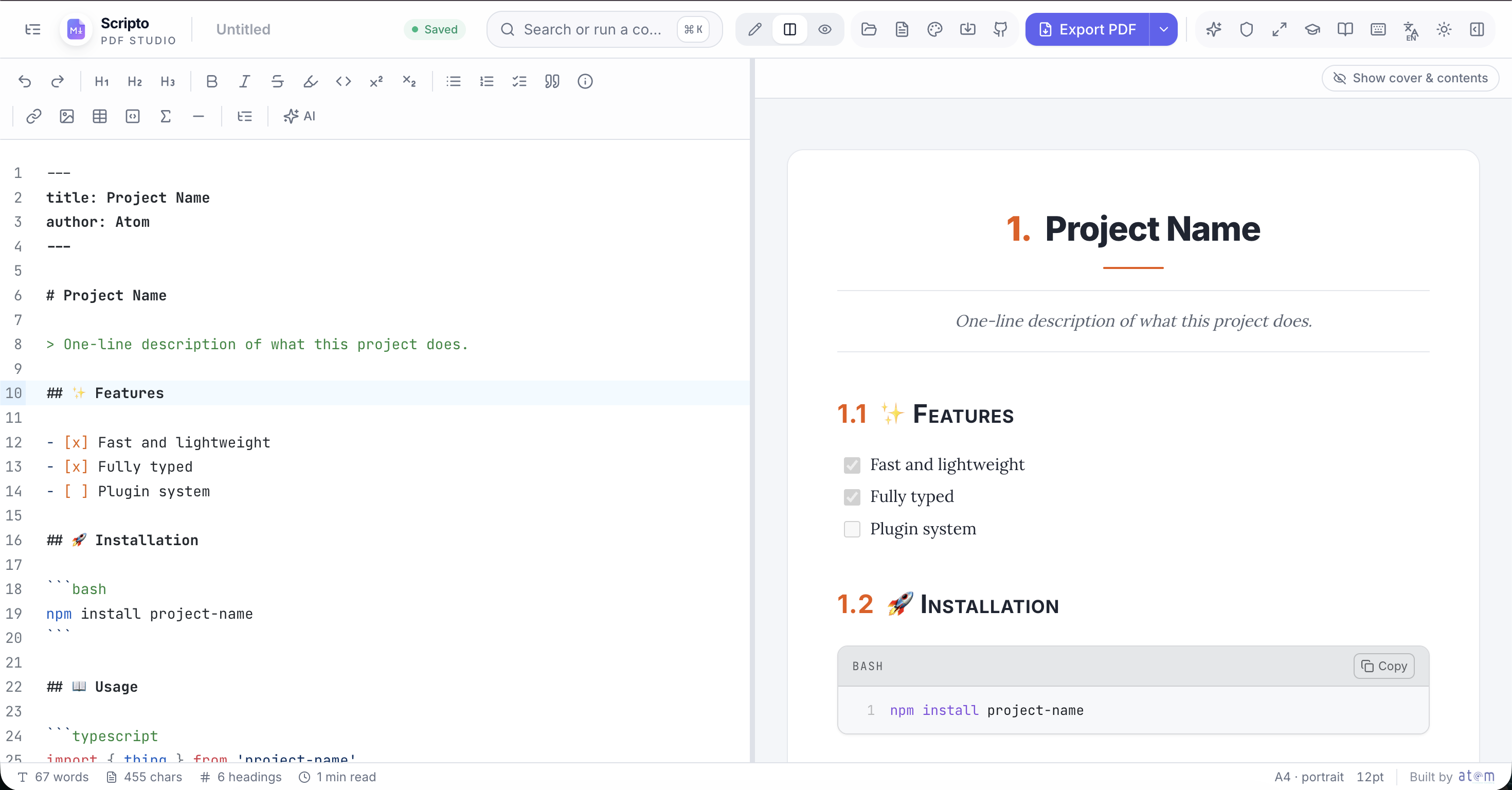
The preview pane is not a web view — it is your document laid out into actual pages by a CSS paged-media engine (Paged.js). Page size (A4, Letter and more), orientation, margins and bleed are document settings, and every change re-typesets the pages live.
- Running headers and footers with custom text or the document title
- Page numbers and “Page X of Y” counters
- One-click cover page: title, subtitle, author, date
- Clickable table of contents generated from headings
- Widow/orphan control; headings kept with their content
- Manual page breaks with \pagebreak
- Watermarks and per-document custom CSS
Twenty-plus skins, fifty-plus templates
Skins restyle the whole document for print — typography, rules, spacing, code-block treatment — without touching your Markdown: Swiss grids, editorial serifs, engineering blueprints, terminal green, newsprint and more. Templates cover the documents people actually ship: resumes (seven ATS variants), invoices, proposals, RFCs, meeting notes, syllabi, press releases, and a full set of Mermaid diagram starters.
Technical writing, fully loaded
GitHub-Flavored Markdown plus KaTeX math, Mermaid diagrams, syntax-highlighted code in dozens of languages, callout boxes, highlights, footnotes, definition lists and emoji. Import exists too: drop a .docx (converted via Mammoth) or paste rich HTML (converted via Turndown) and get clean Markdown.
An editor that stays out of the way
CodeMirror 6 underneath: keyboard shortcuts for every formatting action, a document outline panel, zen mode, split/editor/preview layouts, autosave to a local document library, and word/character/reading-time stats in the status bar.
Arabic and right-to-left, first-class
RTL is a document direction setting that mirrors the entire page geometry — headers, footers, page numbers, list indentation — with Arabic-optimized fonts (Cairo, Noto Naskh Arabic, Amiri) and a fully translated Arabic UI.
Offline, installable, private
Scripto is a PWA: install it and it works with no connection — parsing, preview and PDF export are all client-side. Documents live in your browser’s local storage, and an optional passphrase lock encrypts everything at rest.
Optional AI, your key
A built-in assistant can polish, summarize or translate — powered by your own API key, sent directly from your browser to the provider you choose. No key, no AI, no data flow: it is entirely opt-in.
Keep exploring
See it for yourself.
The editor is one click away — free, no signup, works offline.