True pagination
A CSS paged-media engine (Paged.js) lays your document out into real pages — A4, Letter, or custom — before you ever hit Export.
Free · No uploads · No signup
Scripto is a Markdown → PDF studio with real pagination: running headers and footers, page numbers, cover pages and a clickable table of contents. What you see in the preview is exactly what prints.
No signup · No upload · Your files never leave your device
Most “Markdown to PDF” tools print a web page and hope for the best. Scripto paginates your document with a real print engine, so page breaks, margins and headers land exactly where you saw them.
A CSS paged-media engine (Paged.js) lays your document out into real pages — A4, Letter, or custom — before you ever hit Export.
Document title, chapter names, dates and page numbers repeat on every page, exactly like a professionally typeset report.
Hyphenation-aware line lengths, widow and orphan control, and skins tuned for paper — not for screens pretending to be paper.
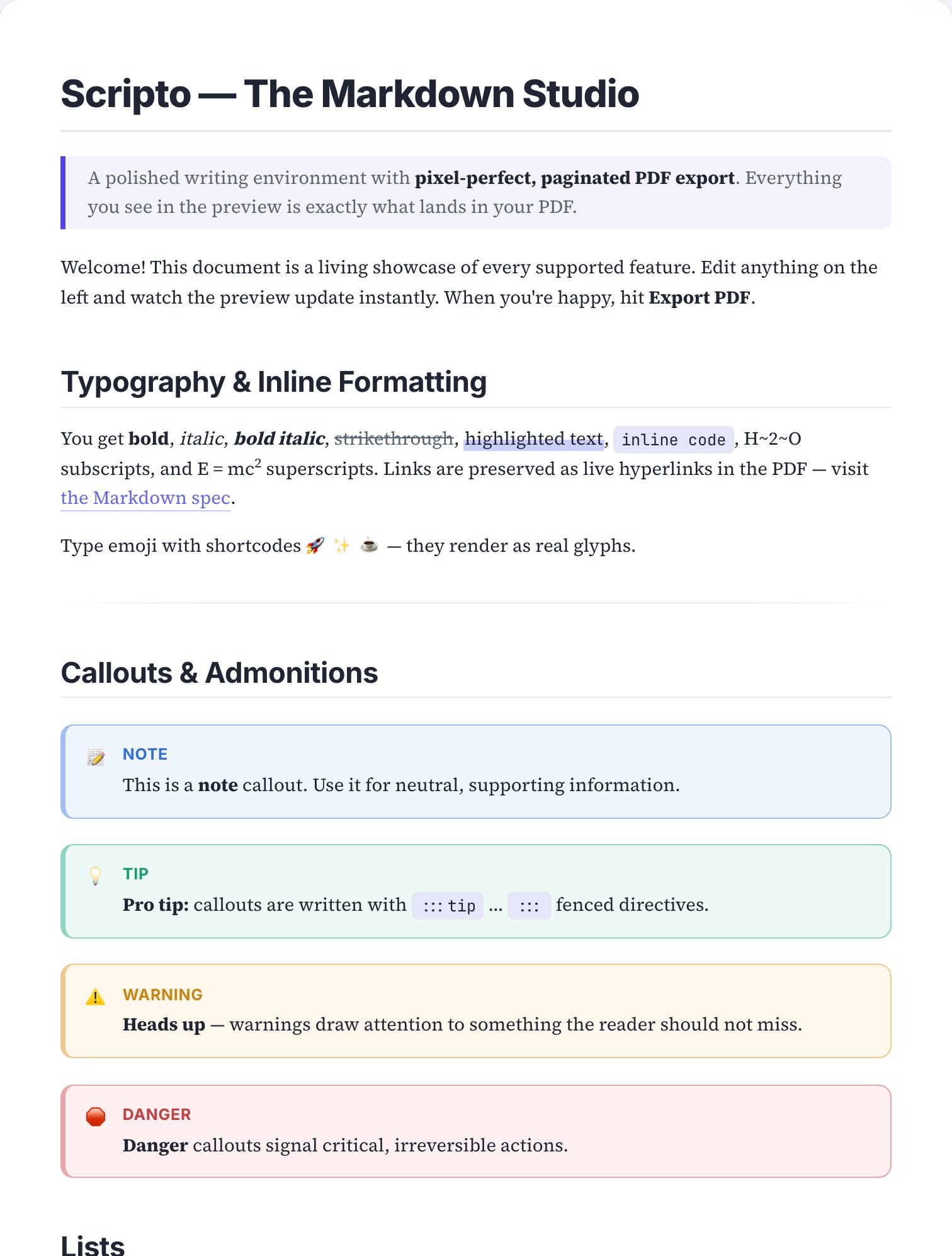
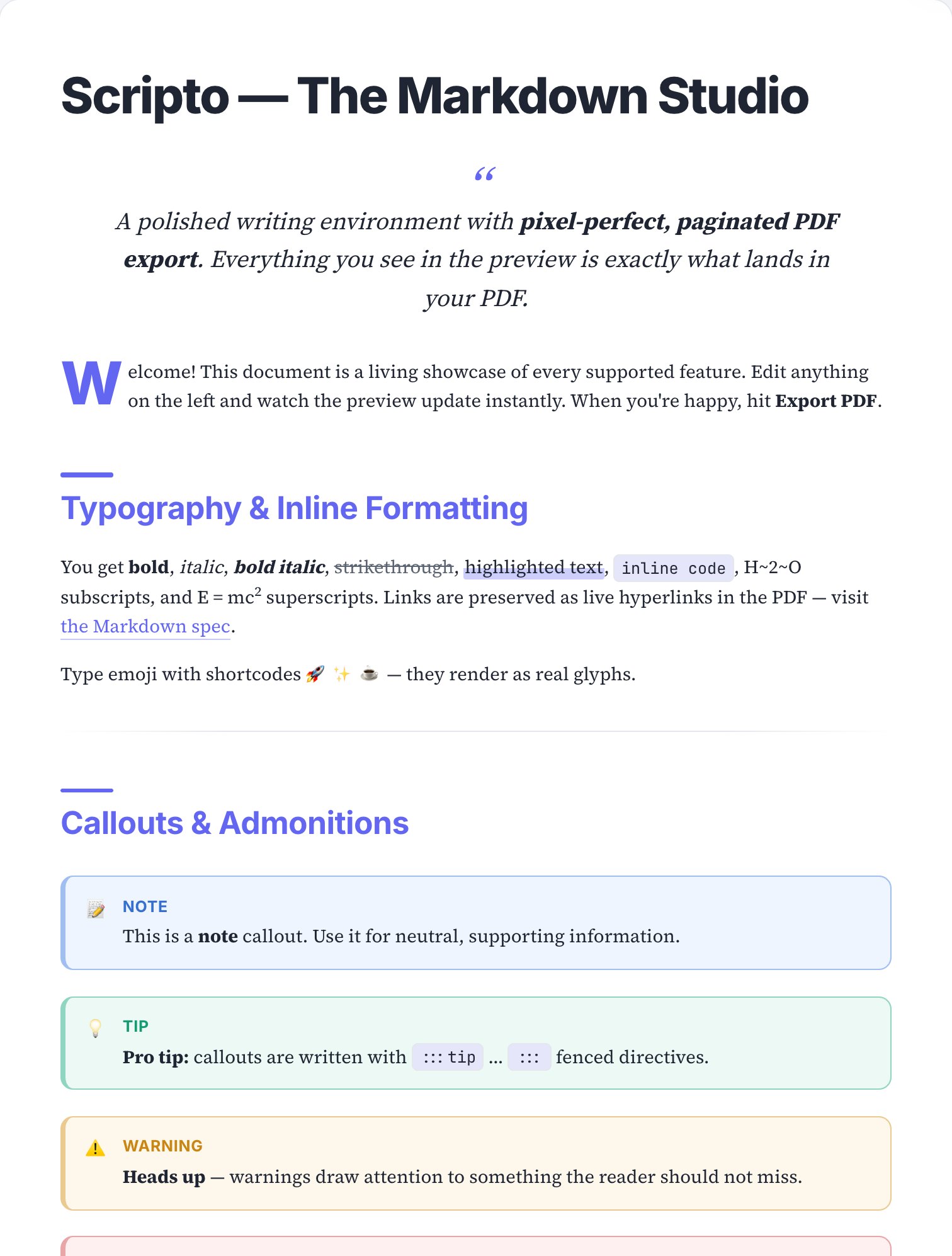
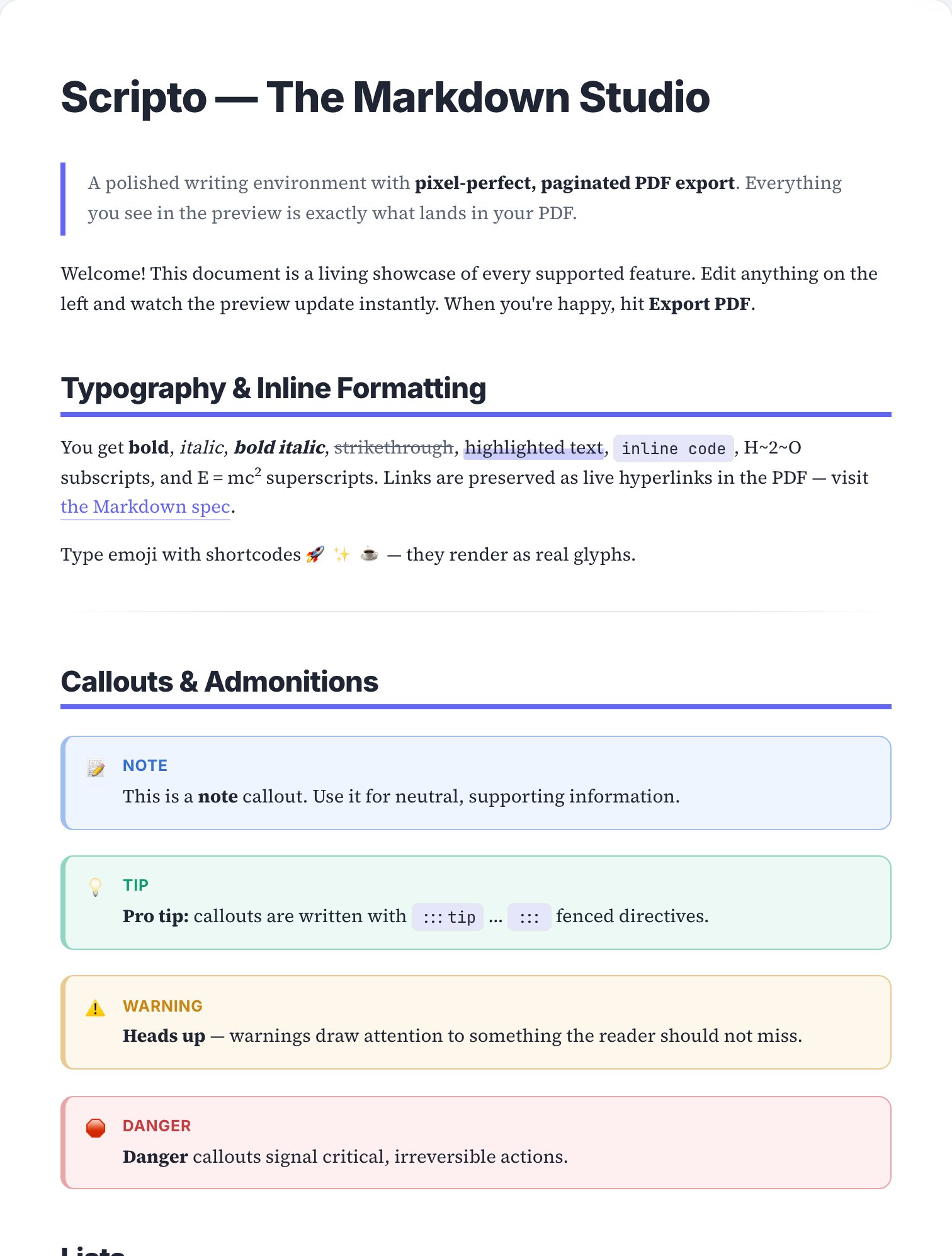
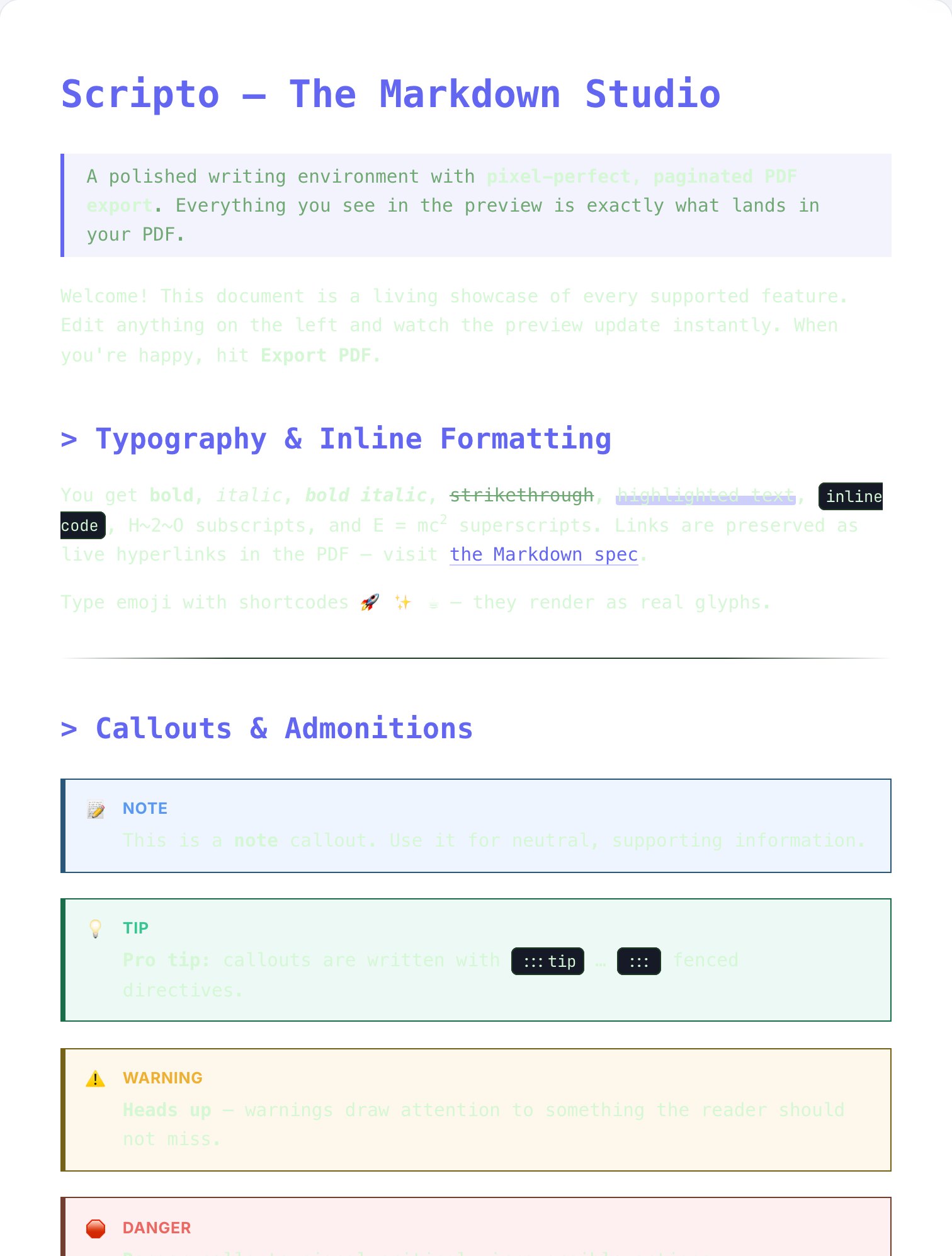
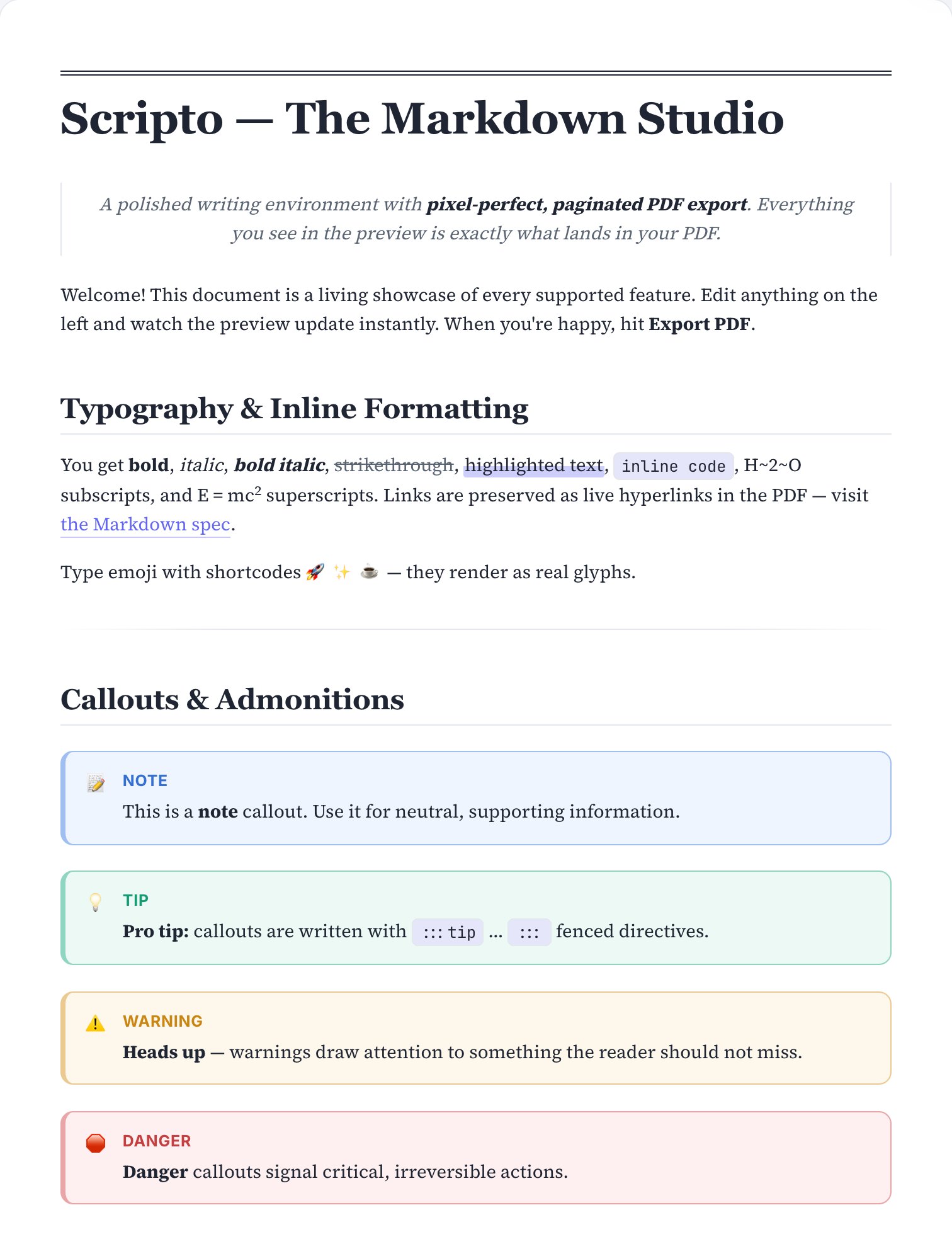
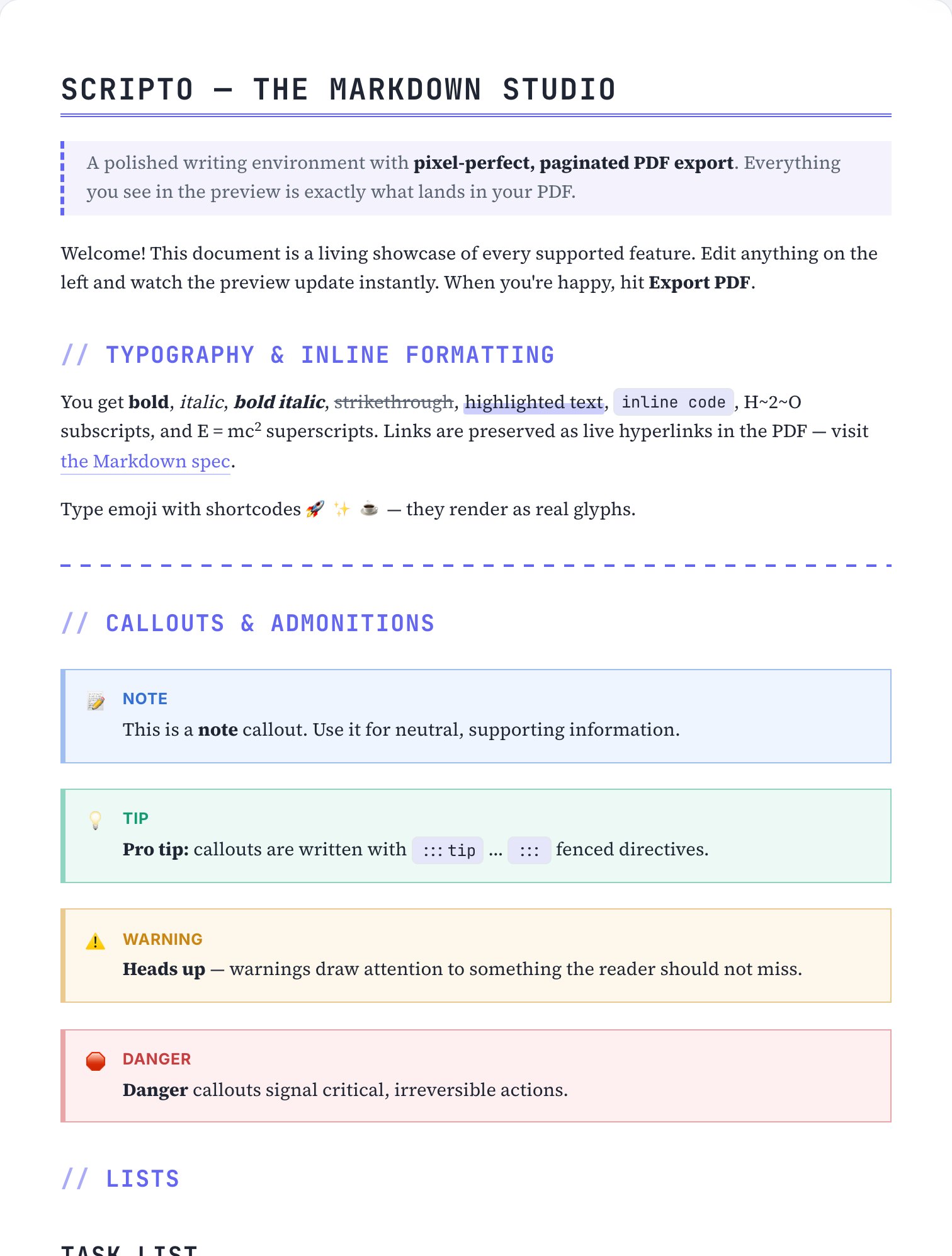
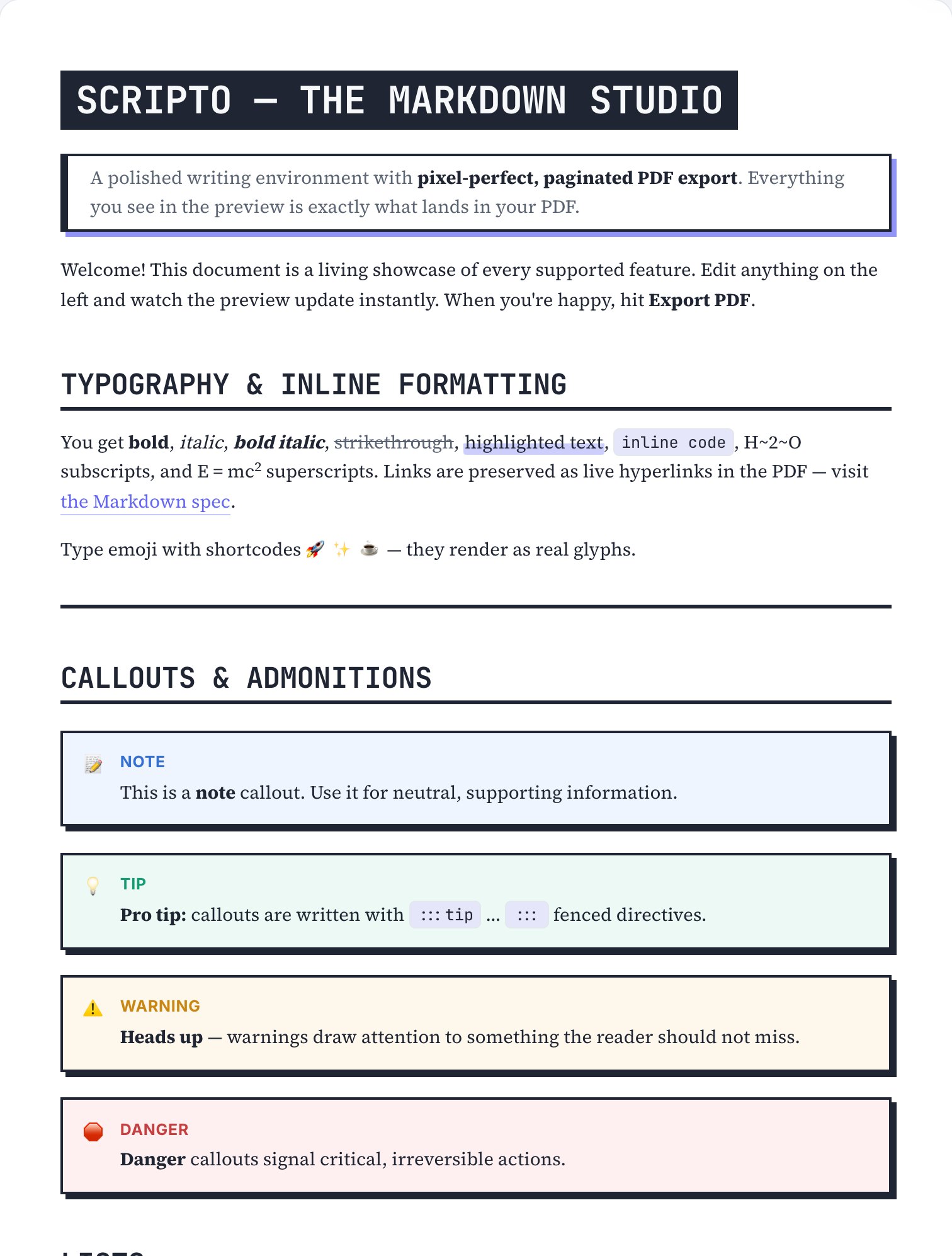
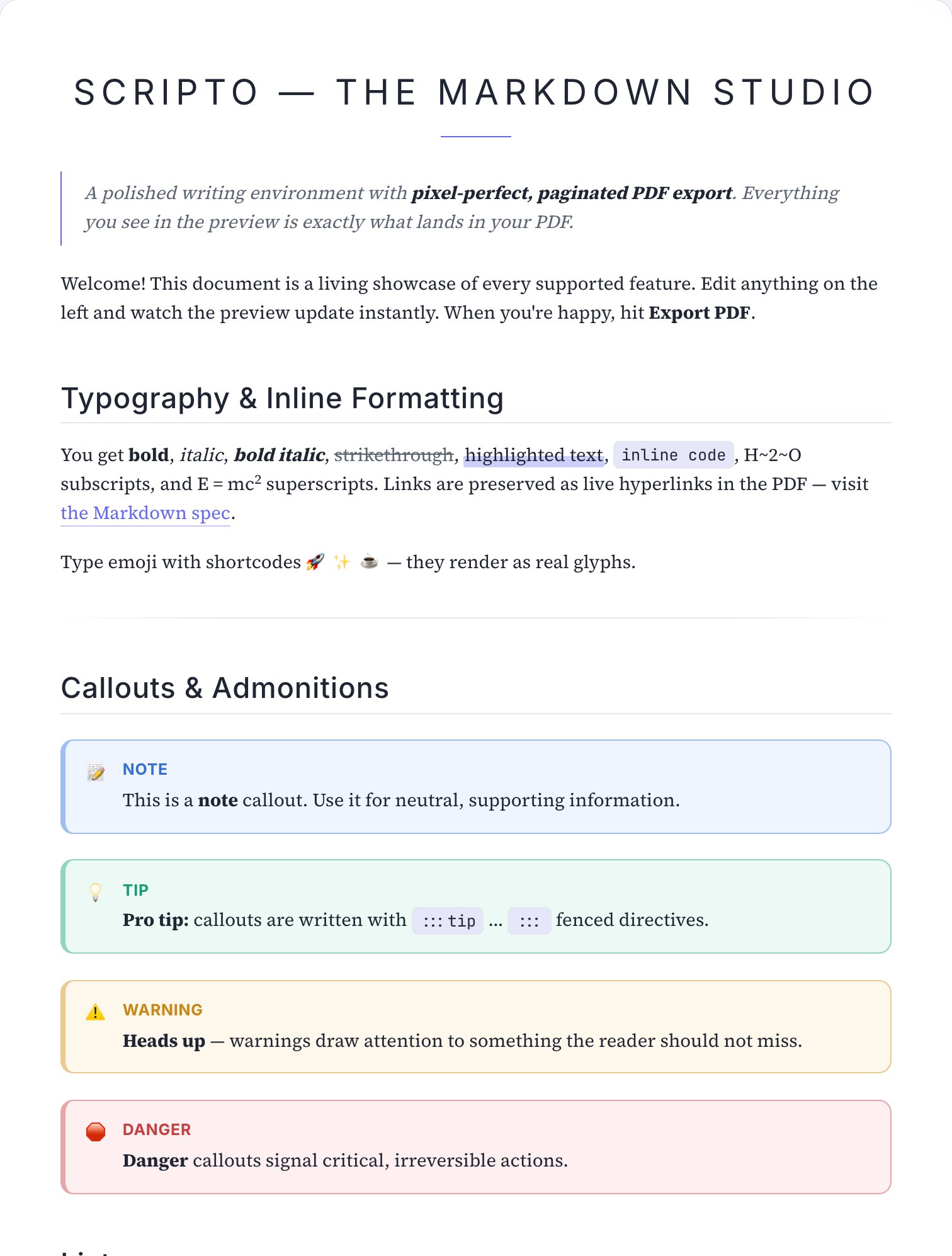
Three PDFs exported by Scripto itself, untouched.
One tab replaces a LaTeX toolchain, a Word template and a PDF printer.
One-click cover page and a clickable table of contents generated from your headings.
From Swiss grids to editorial serifs to terminal green — restyle the whole PDF without touching your Markdown.
Resumes, invoices, RFCs, proposals, meeting notes, syllabi — start from a document that already looks right.
Inline and display math rendered with KaTeX, perfectly reproduced in the exported PDF.
Flowcharts, sequence diagrams, Gantt charts and more — drawn from fenced code blocks.
First-class right-to-left documents with Arabic-optimized fonts and a fully translated UI.
Install it like an app. Write and export PDFs on a plane — everything runs locally.
No server, no upload, no tracking of your content. Optionally encrypt local data with a passphrase.
Skins restyle typography, rules and rhythm for print. Pick one, or ship your own CSS.
Battle-tested templates for the documents people actually need to ship.
Badges, features, install, usage, license.
Header, experience, skills, education.
Billable items, totals, payment terms.
Problem, solution, scope, budget, timeline.
Agenda, decisions, action items.
Versioned release notes.
Abstract, sections, math, references.
Goals, requirements, milestones.
Deep guides for the most common Markdown → PDF jobs.
The complete guide to converting Markdown into a paginated, professional PDF.
Read the guide →
Turn a GitHub README into a shareable document with code blocks that don’t break.
Read the guide →
Write your resume in Markdown, export an ATS-friendly single-page PDF.
Read the guide →
True RTL pagination with Arabic fonts — the hardest PDF job, done right.
Read the guide →
Export lecture notes and papers with KaTeX equations that stay crisp in print.
Read the guide →
Ship architecture docs where the diagrams render inside the PDF.
Read the guide →
Scripto has no backend. The editor, the renderer and the PDF engine all run in your browser tab.
Yes. Scripto is free to use, with every feature included — no signup, and no watermark forced on your documents.
Browser printing reflows your page and guesses at breaks. Scripto uses a paged-media engine so your document is laid out into real pages with running headers, footers and page numbers — and the live preview shows those exact pages before you export.
No. There is no server. Parsing, preview and PDF generation all happen locally in your browser, and documents are stored in local storage on your device.
Yes. Scripto is an installable PWA. After the first visit, the editor and PDF export work without a connection.
Yes — this is a core feature, not an afterthought. Scripto supports right-to-left pagination, Arabic-optimized fonts (Cairo, Noto Naskh, Amiri) and a fully translated Arabic UI.
GitHub-Flavored Markdown (tables, task lists, footnotes), KaTeX math, Mermaid diagrams, callouts, highlights, definition lists, emoji shortcodes and raw HTML when you need it.
Paste your Markdown, pick a skin, export. No account, no install, no watermark.