
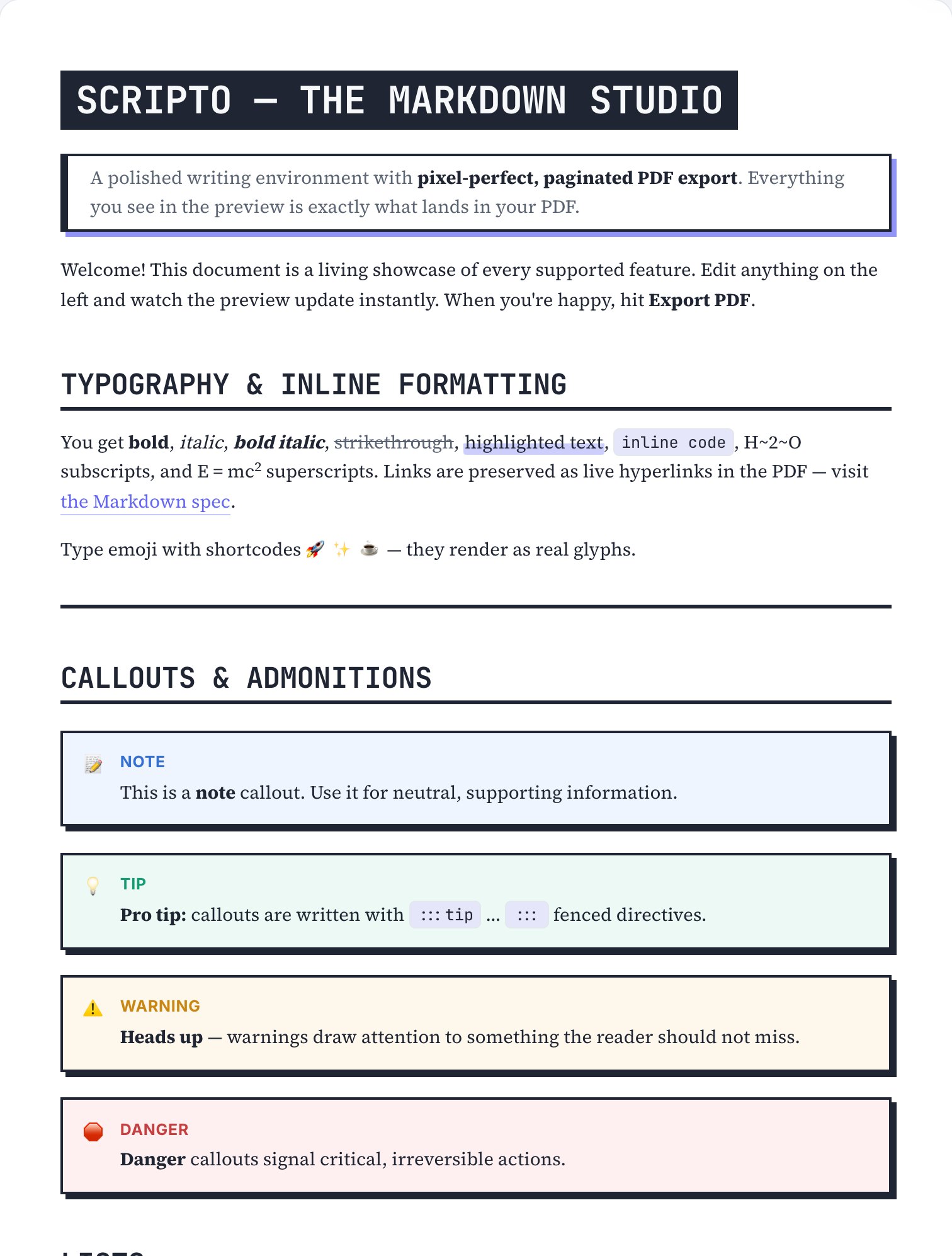
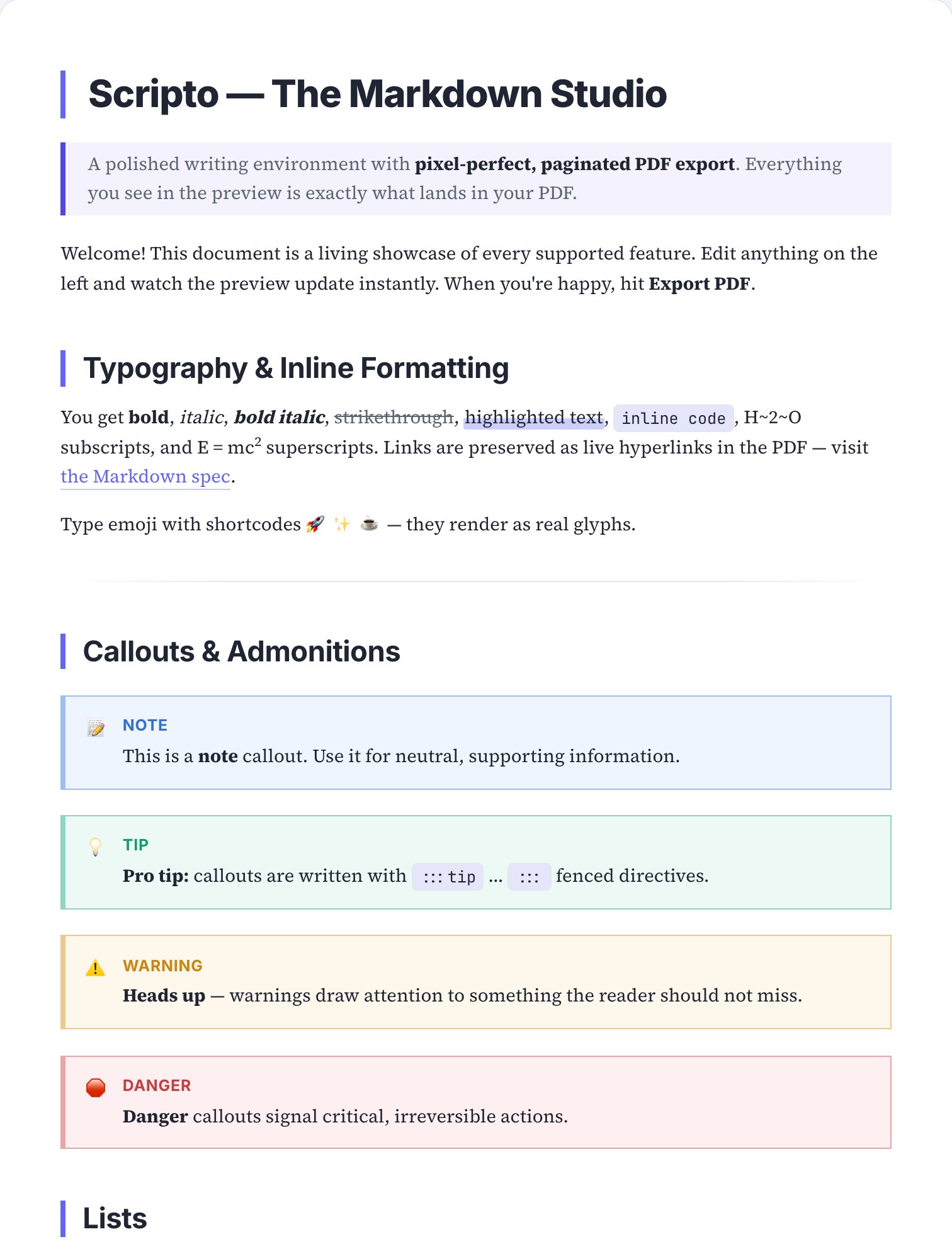
The Brutalist skin.
Heavy borders, hard shadows, uppercase headings — typography with elbows.
Best for: Zines, manifestos, portfolio pieces and documents meant to be noticed.
How to apply it
Open your document in Scripto
Paste Markdown or pick a template — the paginated preview appears instantly.
Select the Brutalist skin
Open document settings → Skin, or browse the visual theme gallery.
Export the PDF
The exported file matches the preview exactly — typography, rules and all.
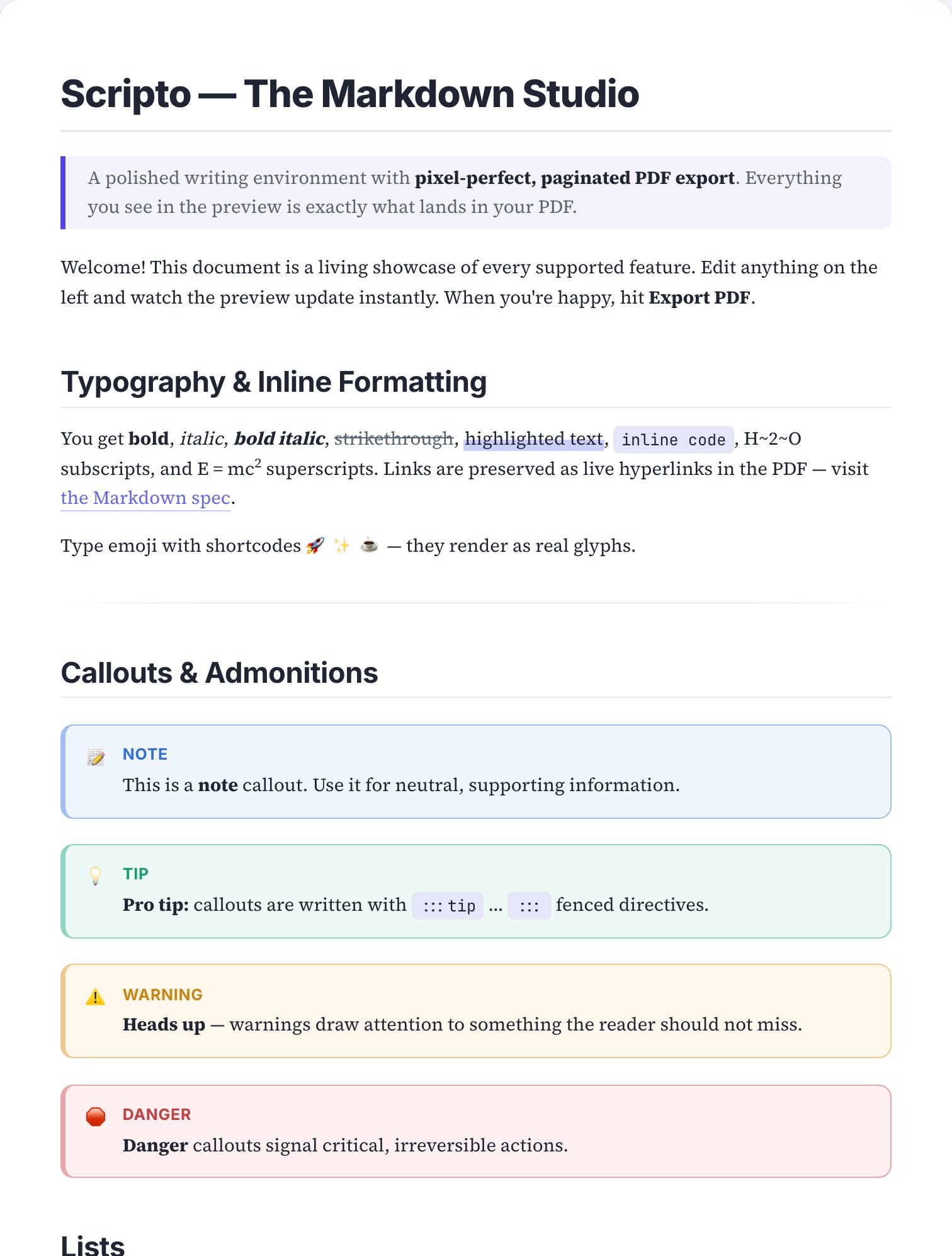
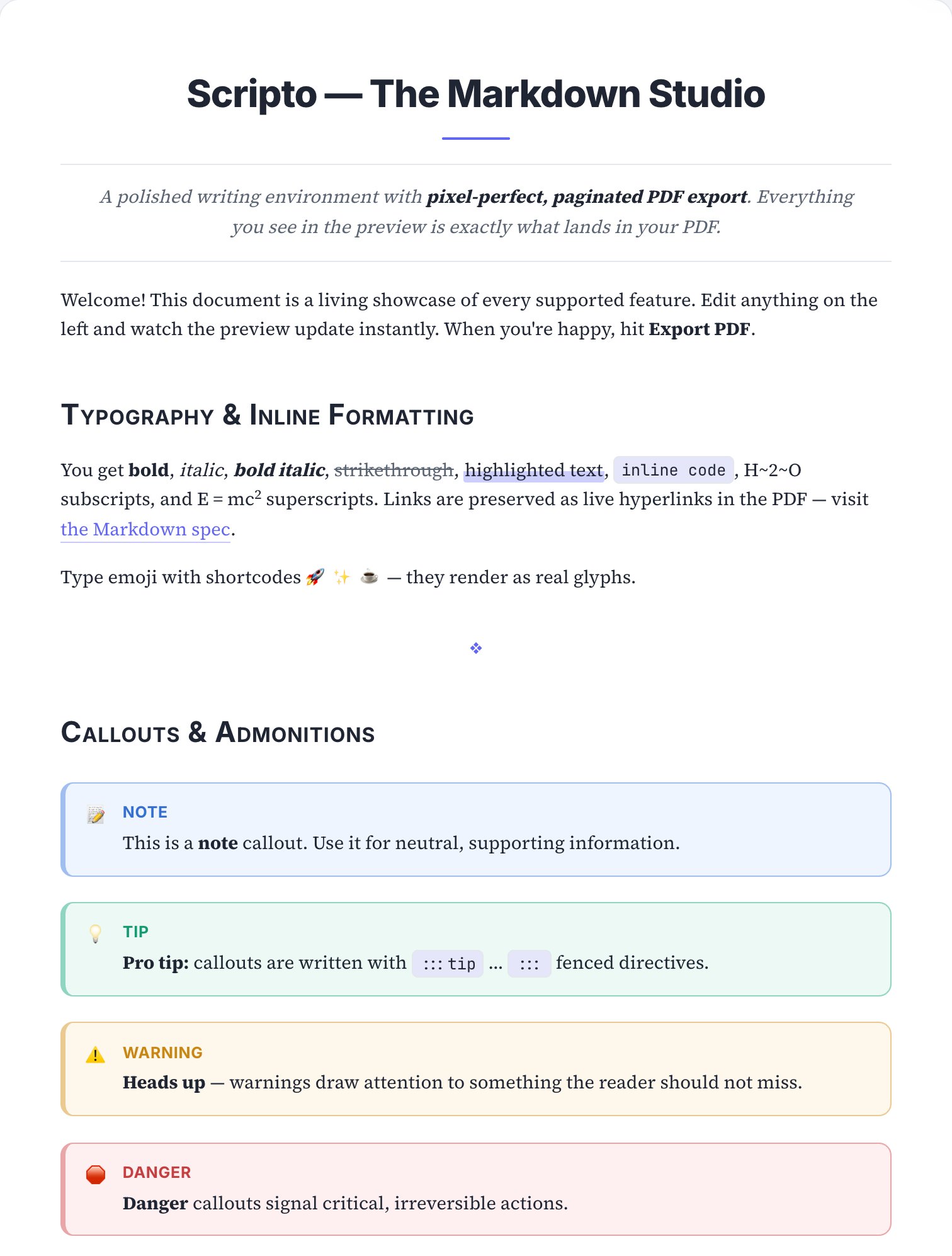
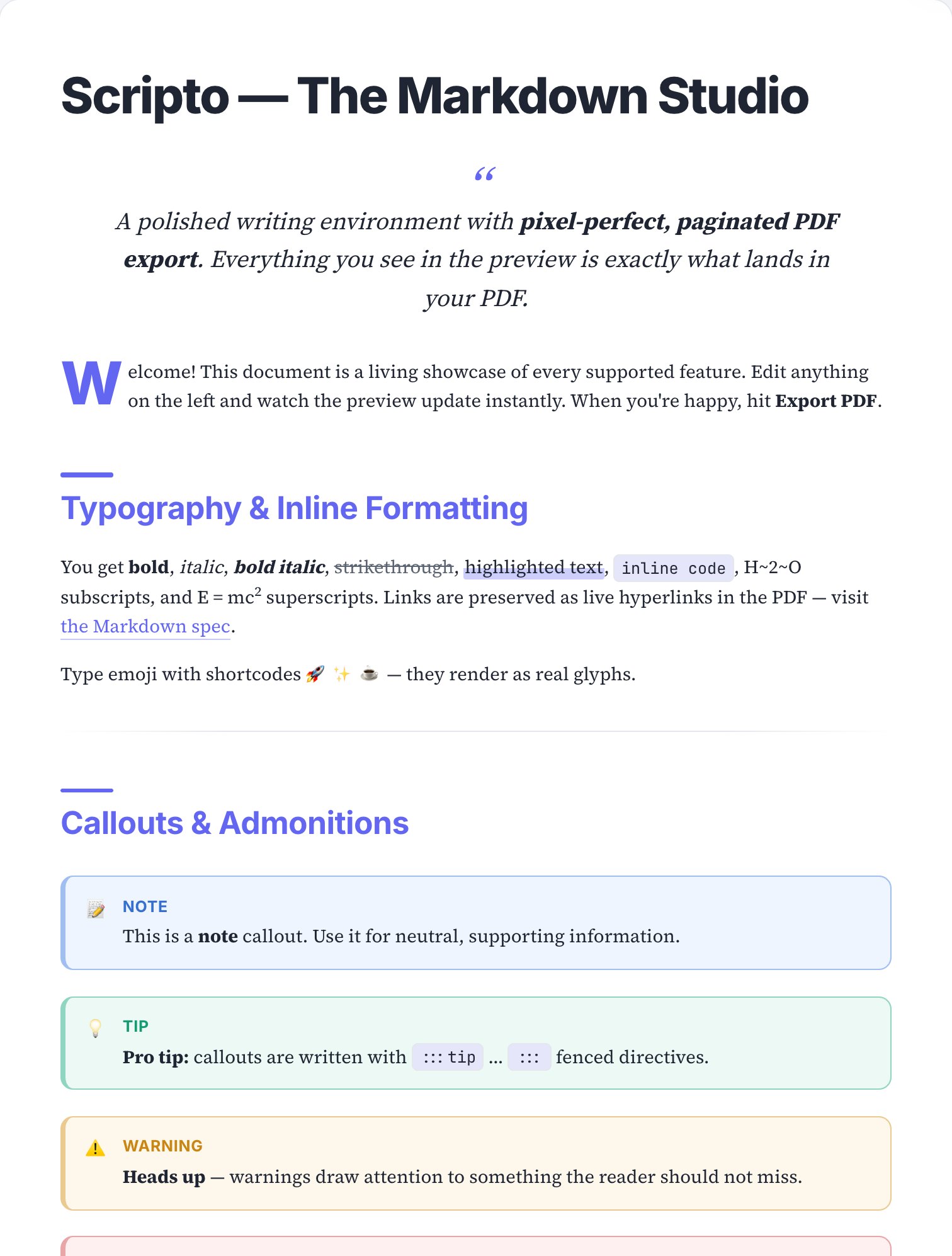
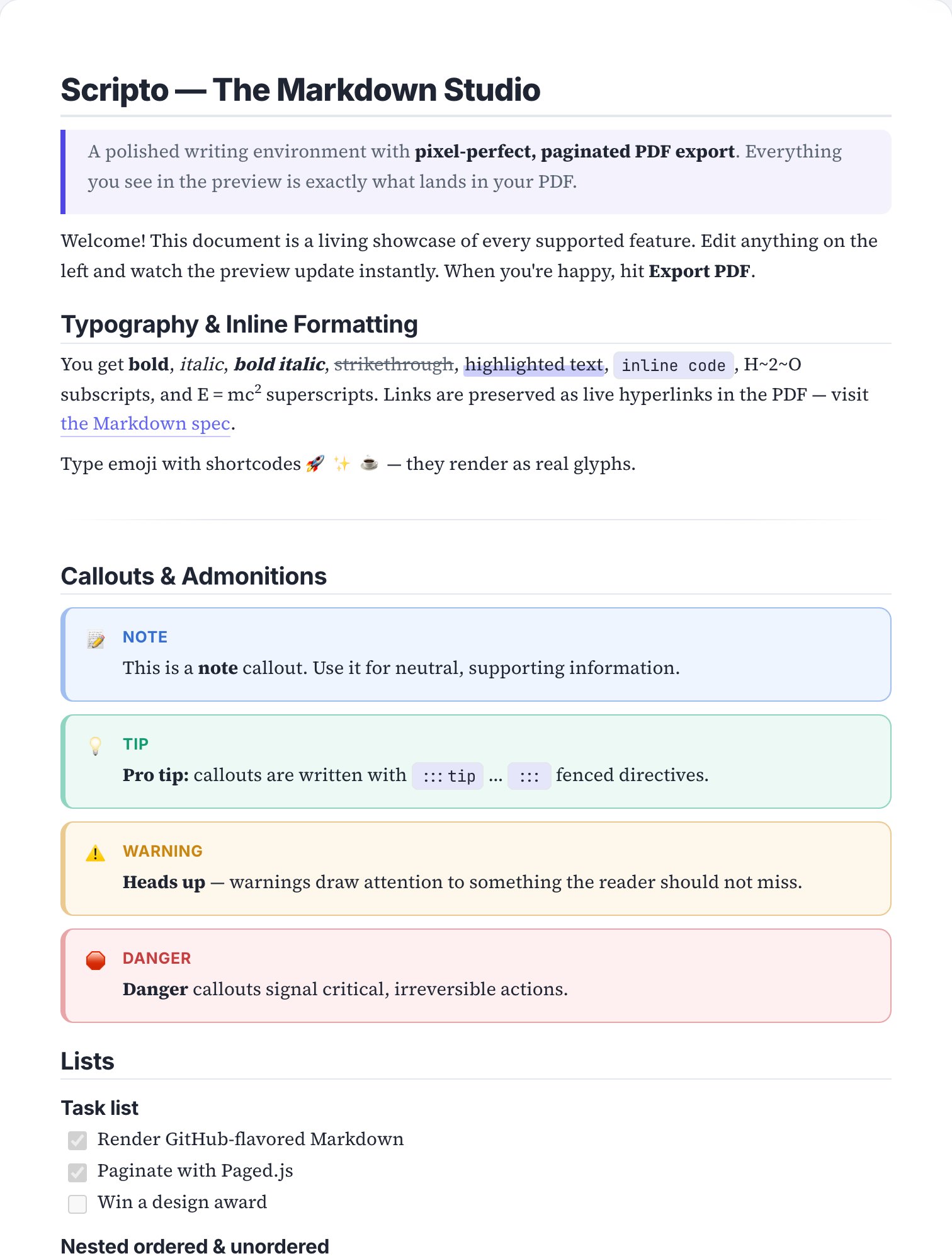
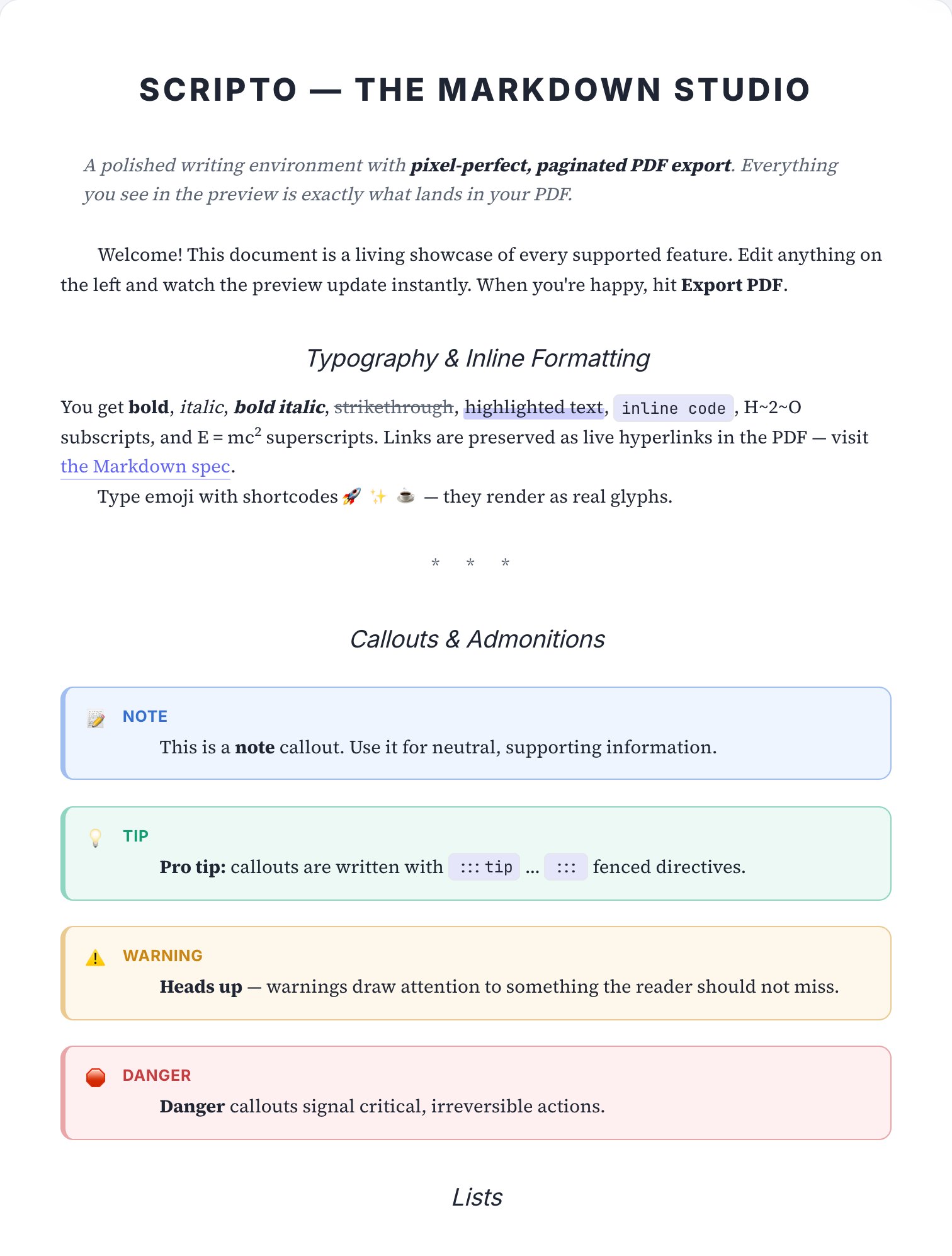
Skins are pure print styling: switching between them never alters your Markdown, and you can layer per-document custom CSS on top for fine-tuning. The page above is a real render of the sample document in this skin — open the editor to see it live on your own text.
See Brutalist on your own document.
Paste your Markdown, apply the skin, export — under a minute, free.