The Contract skin.
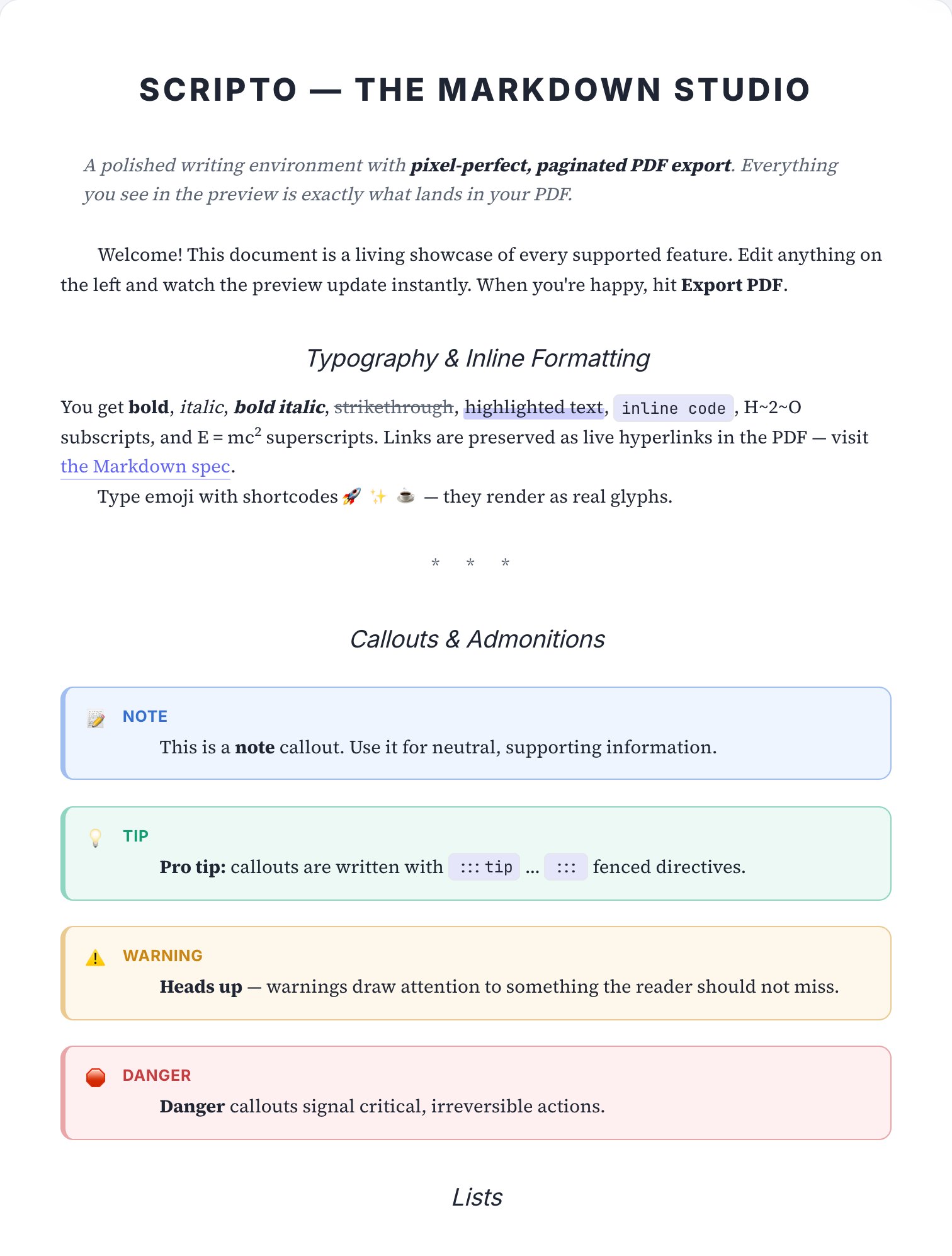
Justified serif set in numbered clauses, centred title, nothing decorative anywhere near the terms.
Best for: Contracts, terms of service, NDAs, statements of work and policies people actually sign.

How to apply it
Open your document in Scripto
Paste Markdown or pick a template — the paginated preview appears instantly.
Select the Contract skin
Open document settings → Skin, or browse the visual theme gallery.
Export the PDF
The exported file matches the preview exactly — typography, rules and all.
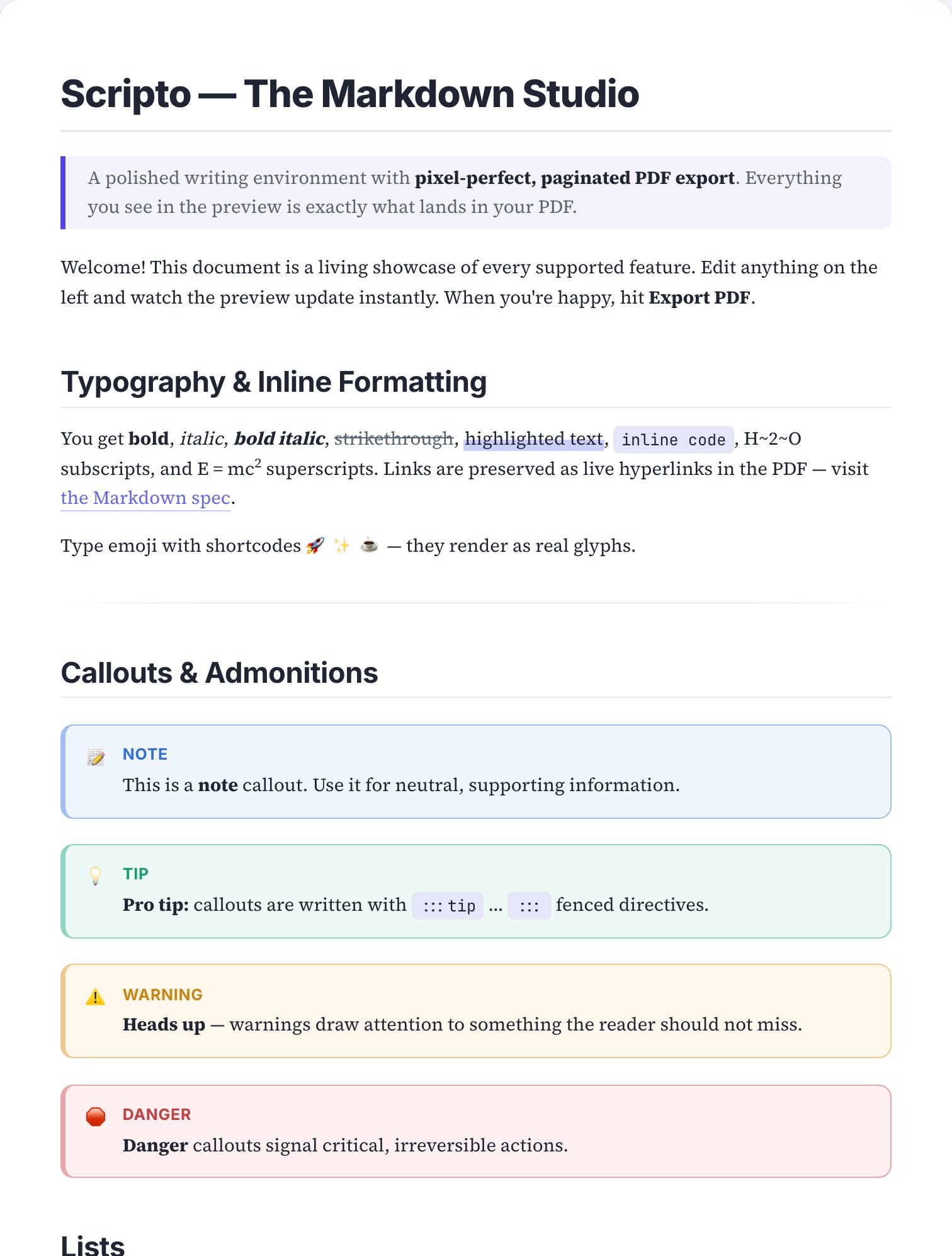
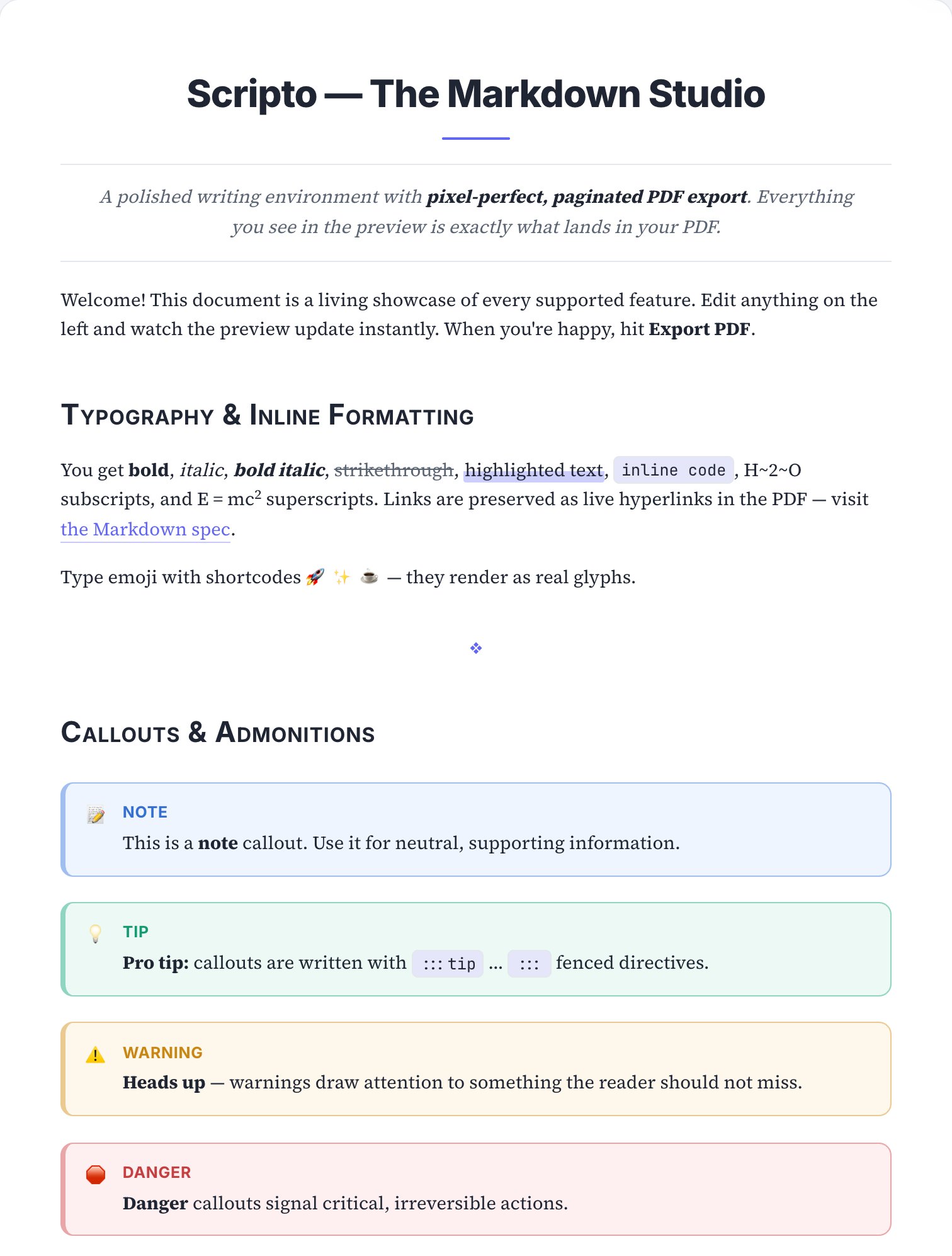
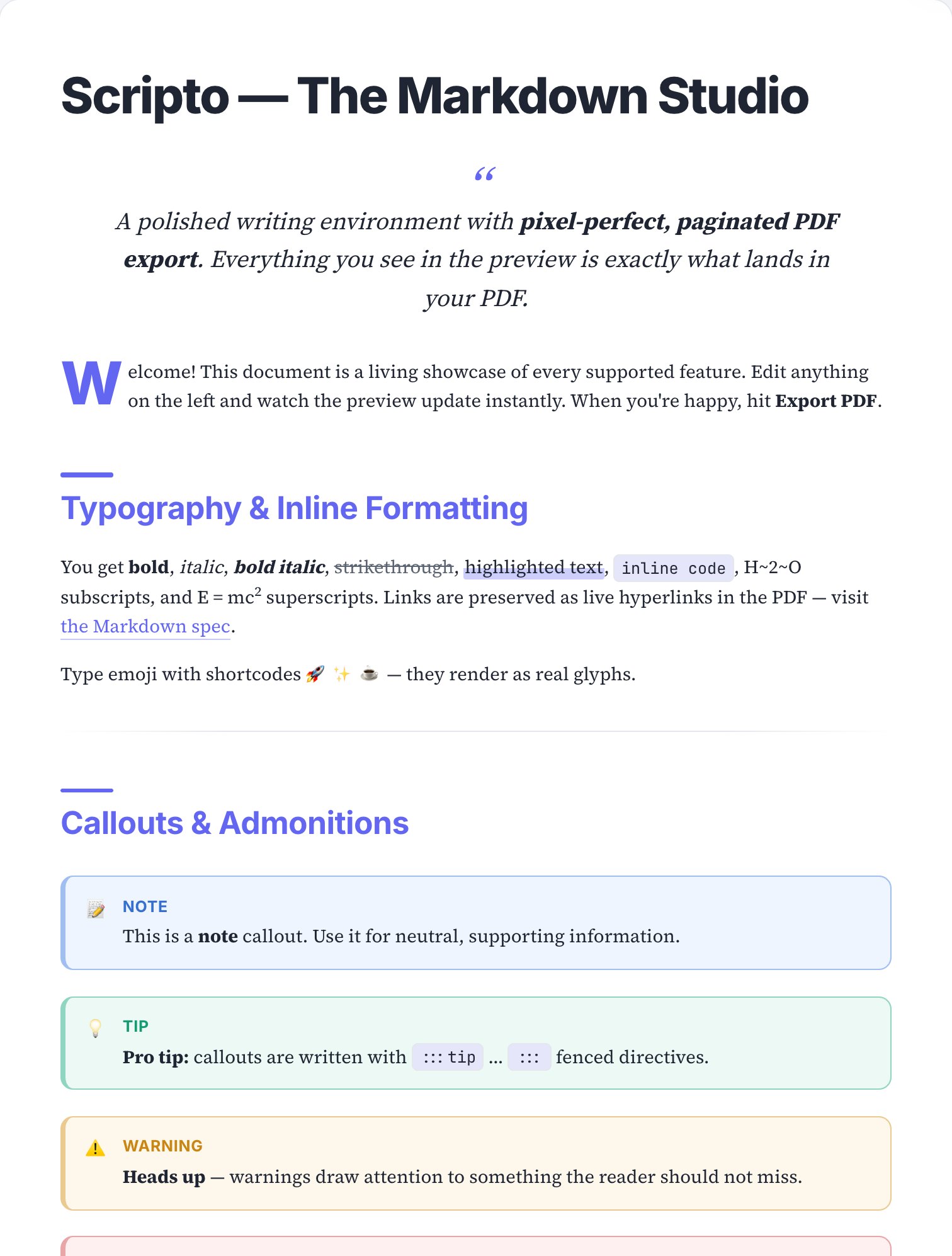
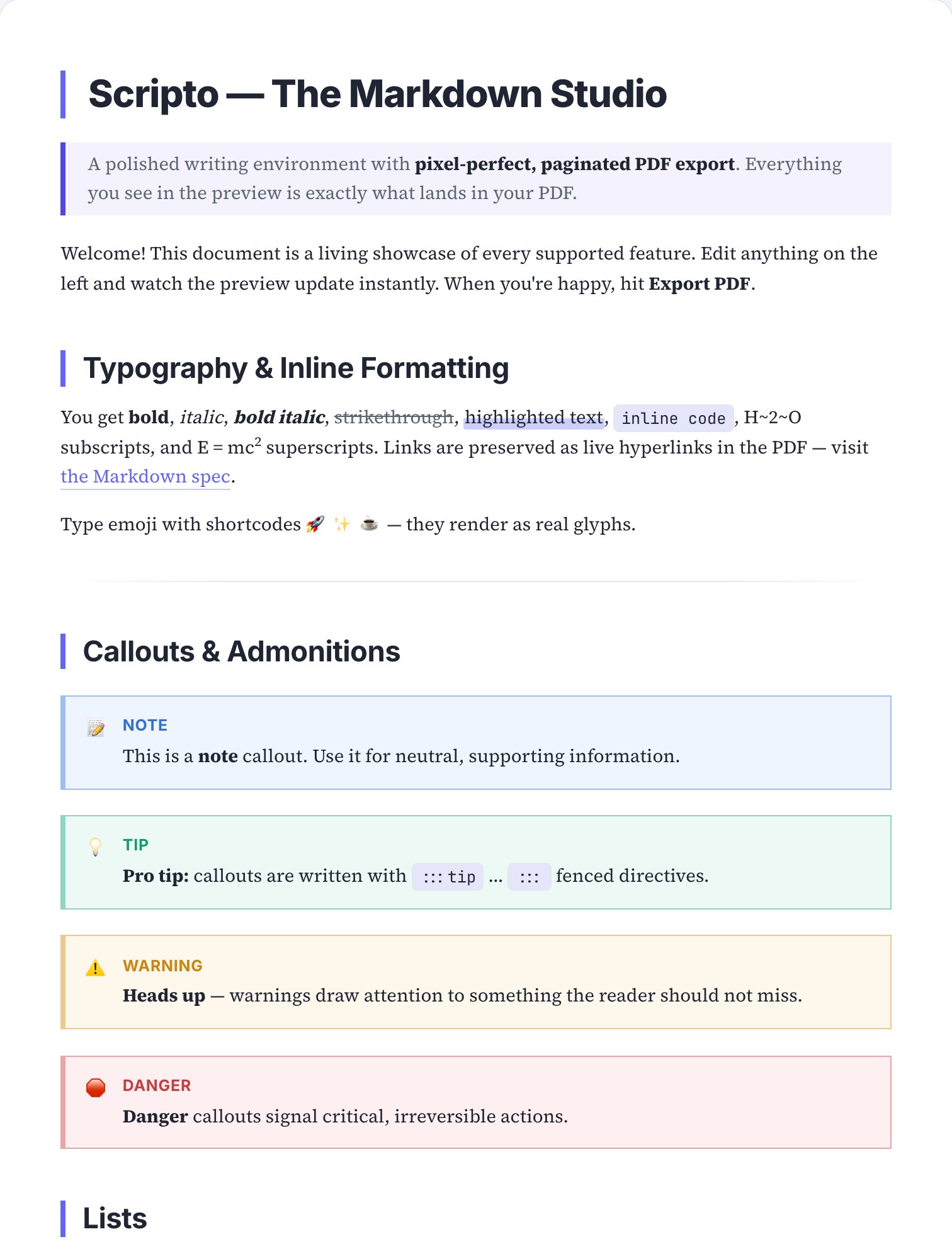
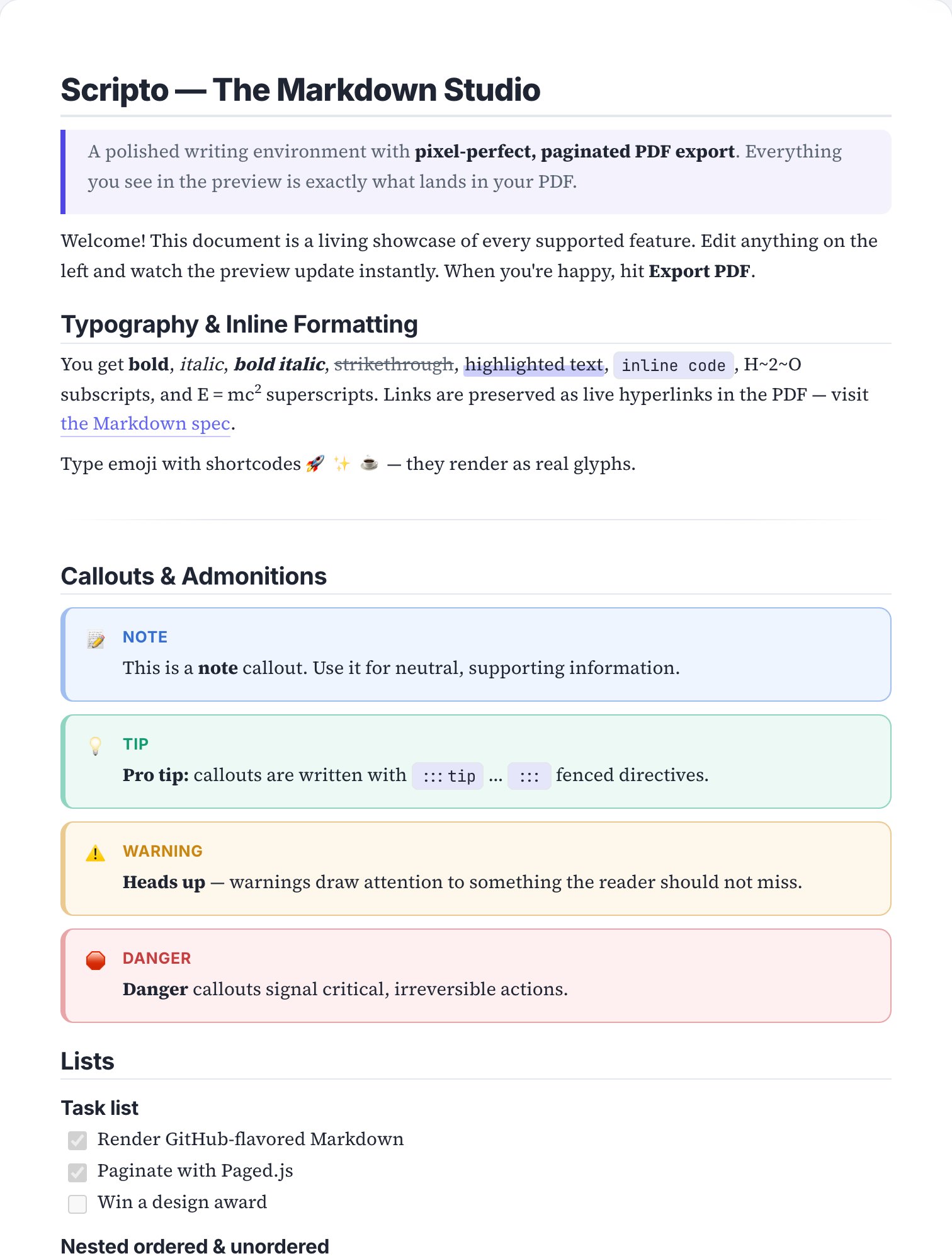
Skins are pure print styling: switching between them never alters your Markdown, and you can layer per-document custom CSS on top for fine-tuning. The page above is a real render of the sample document in this skin — open the editor to see it live on your own text.
See Contract on your own document.
Paste your Markdown, apply the skin, export — under a minute, free.