
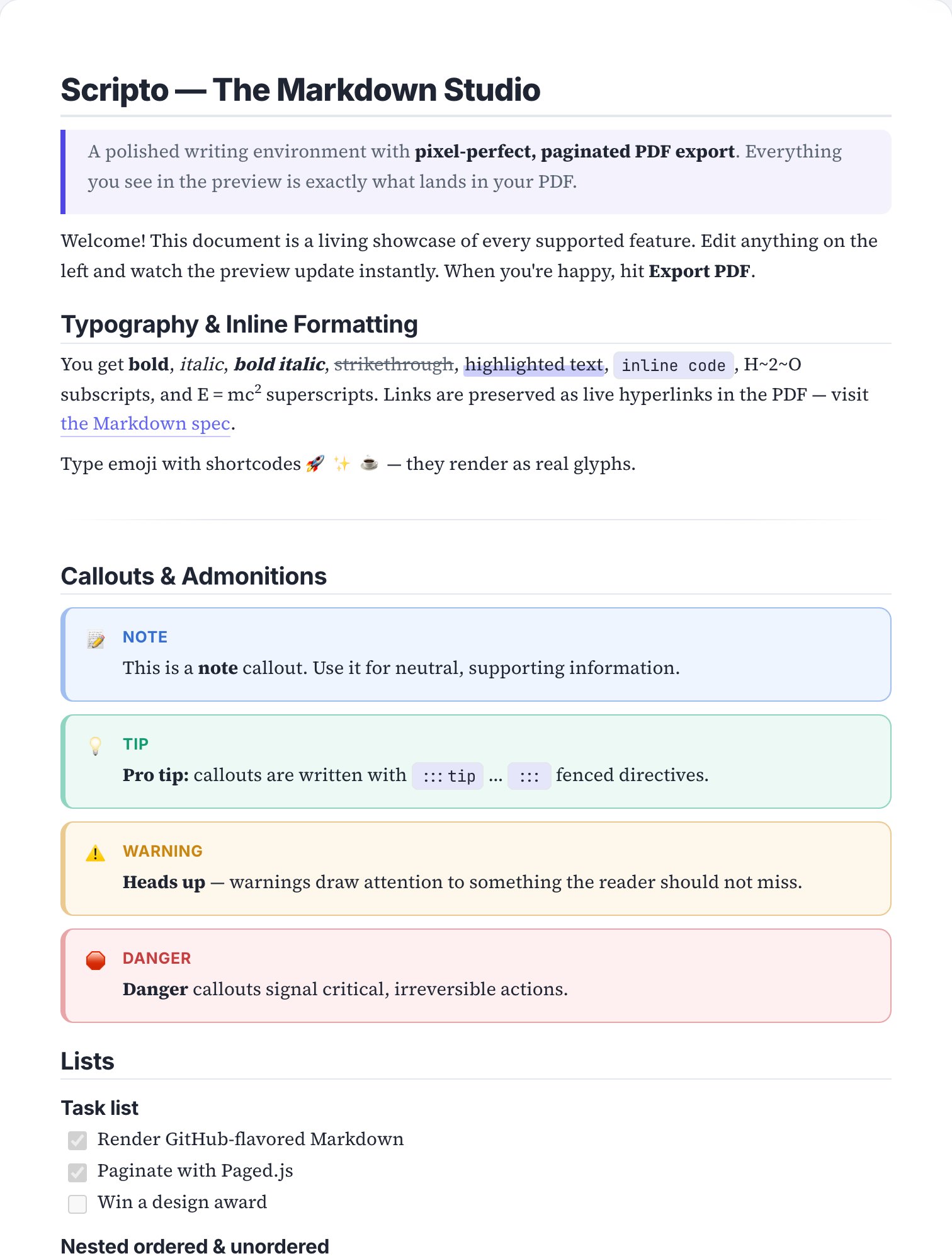
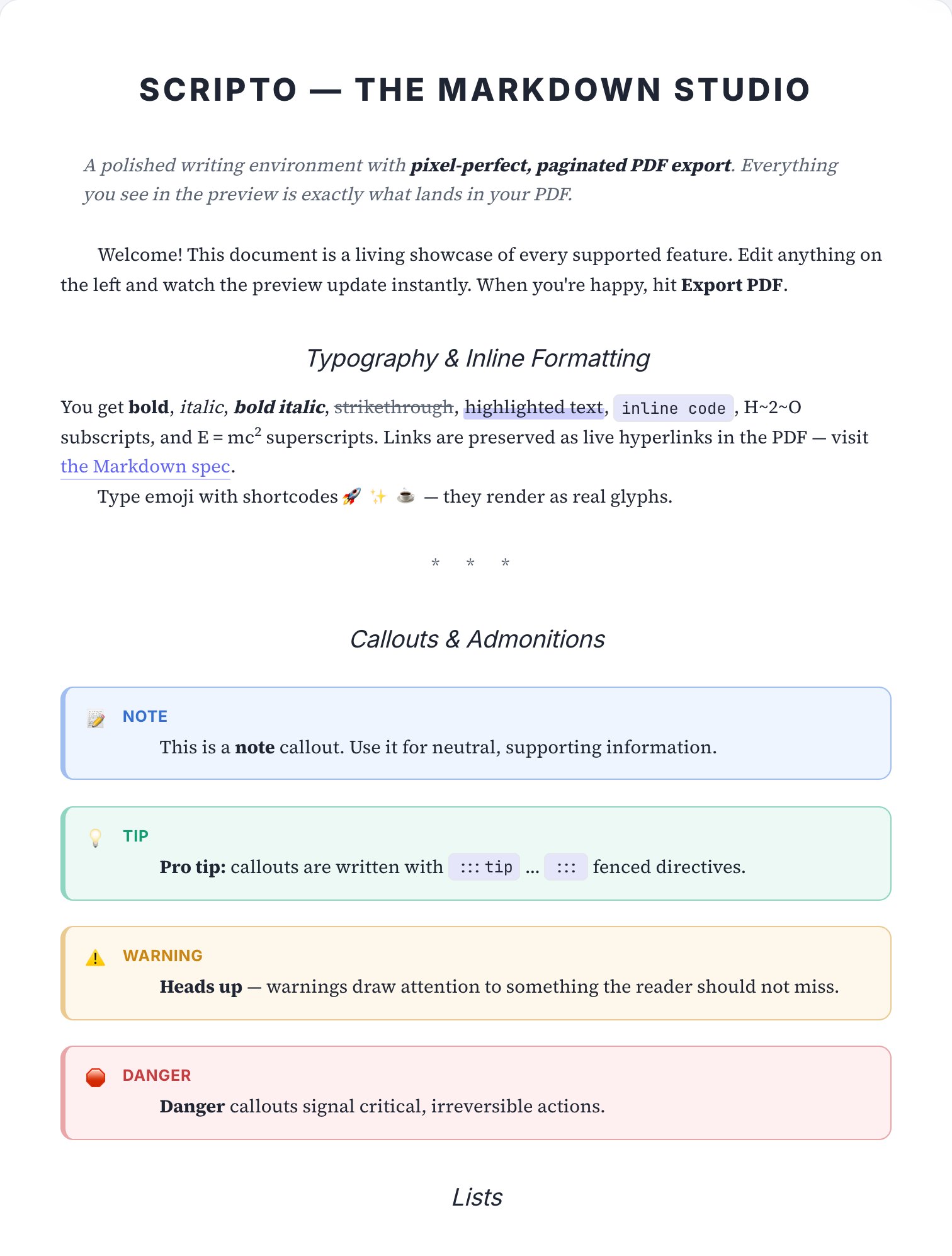
The RFC / ADR skin.
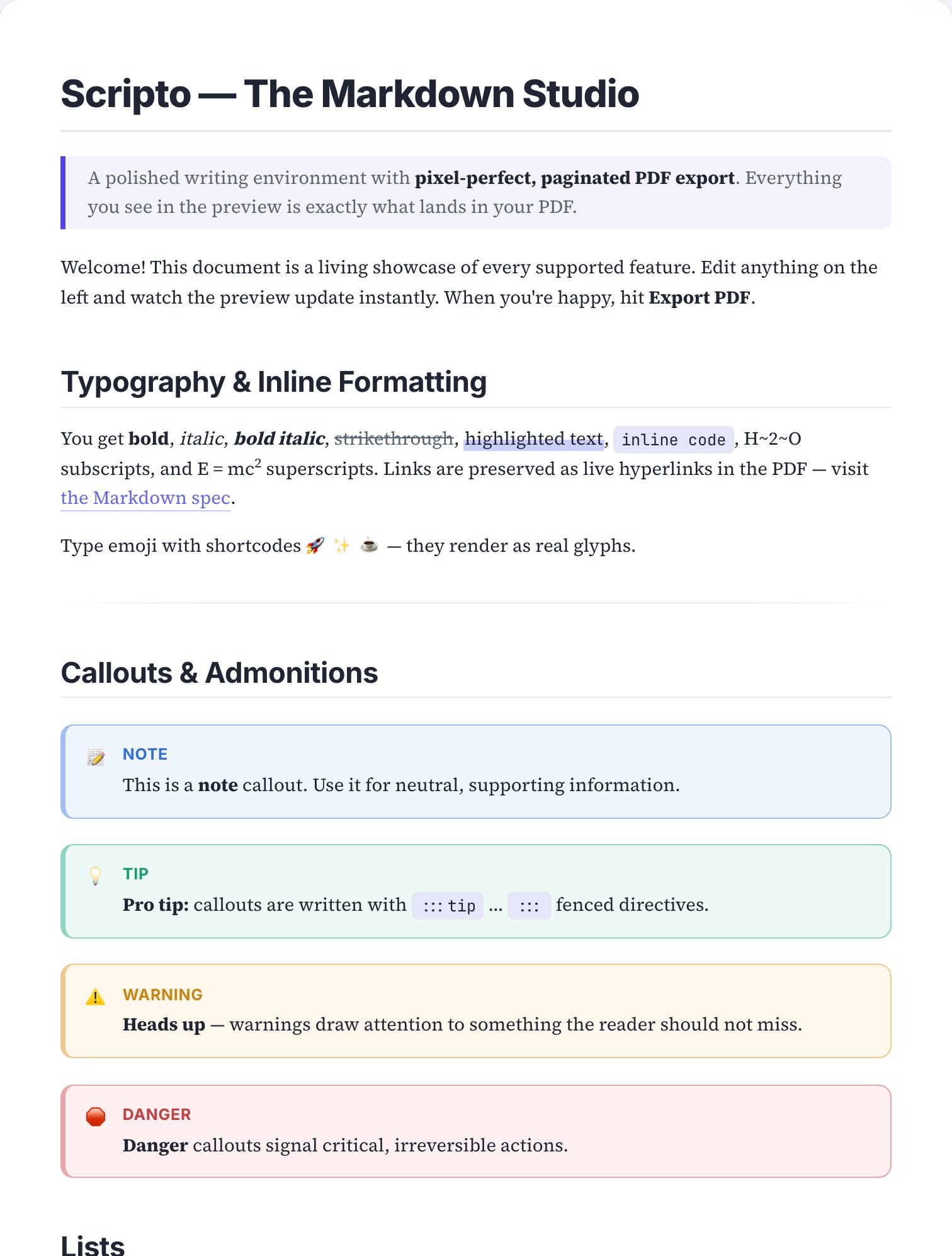
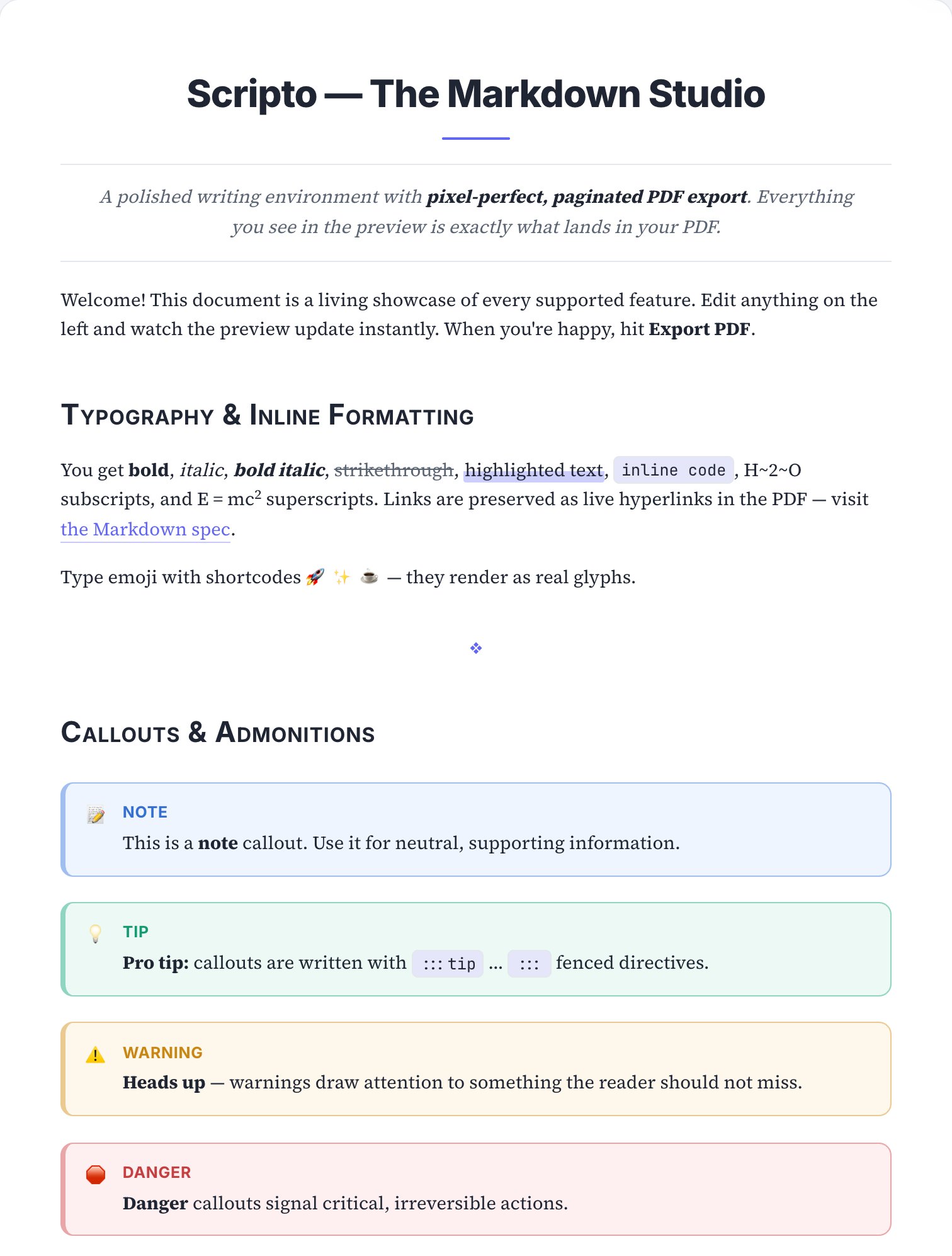
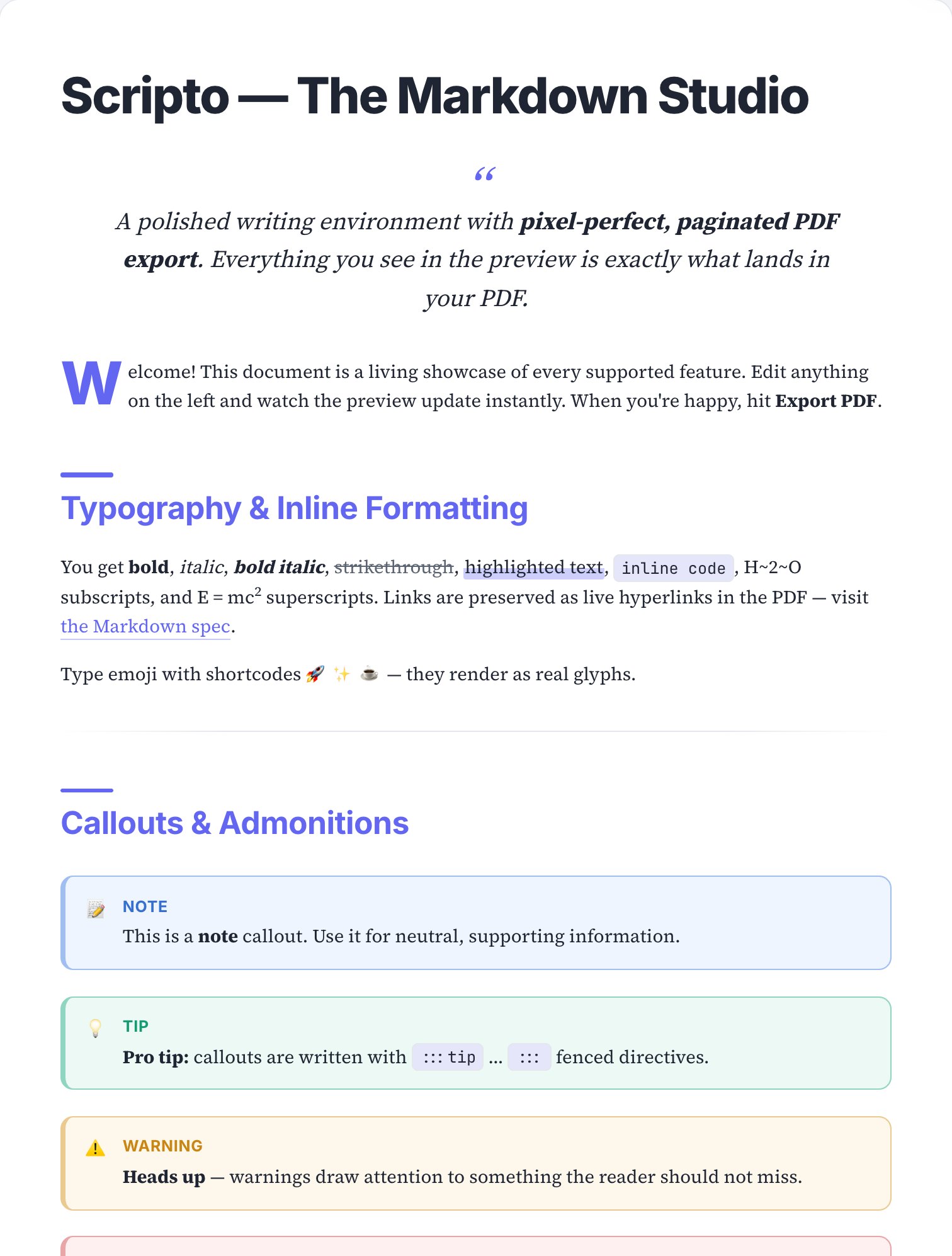
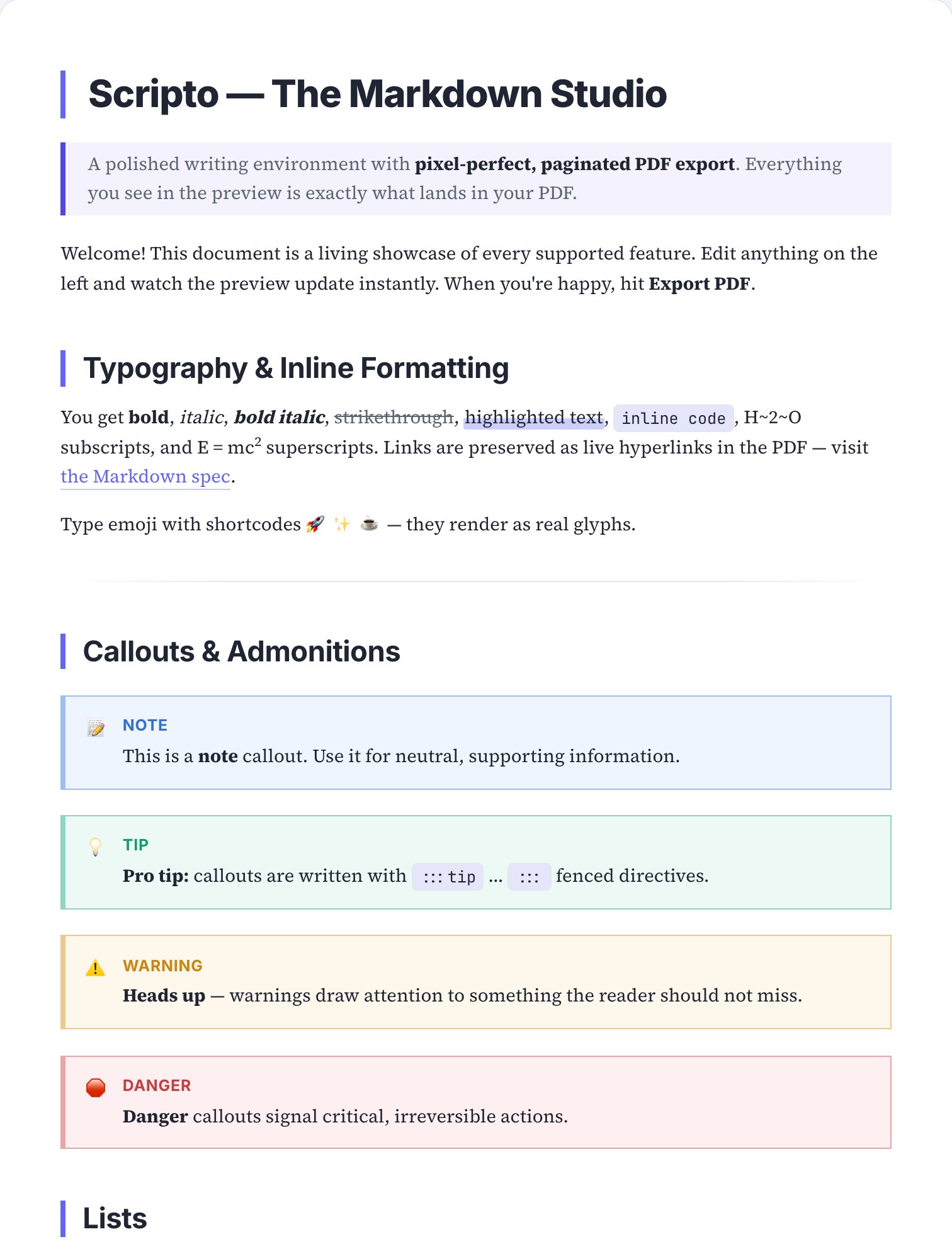
A monospaced status block up top, uppercase numbered sections and a double rule under the title.
Best for: RFCs, architecture decision records, design docs and proposals that need a decision recorded.

How to apply it
Open your document in Scripto
Paste Markdown or pick a template — the paginated preview appears instantly.
Select the RFC / ADR skin
Open document settings → Skin, or browse the visual theme gallery.
Export the PDF
The exported file matches the preview exactly — typography, rules and all.
Skins are pure print styling: switching between them never alters your Markdown, and you can layer per-document custom CSS on top for fine-tuning. The page above is a real render of the sample document in this skin — open the editor to see it live on your own text.
See RFC / ADR on your own document.
Paste your Markdown, apply the skin, export — under a minute, free.